38
Calling
Tip: If you touch and hold the log entry, the options menu will open.
Answering and Rejecting a Call
Answering an Incoming Call
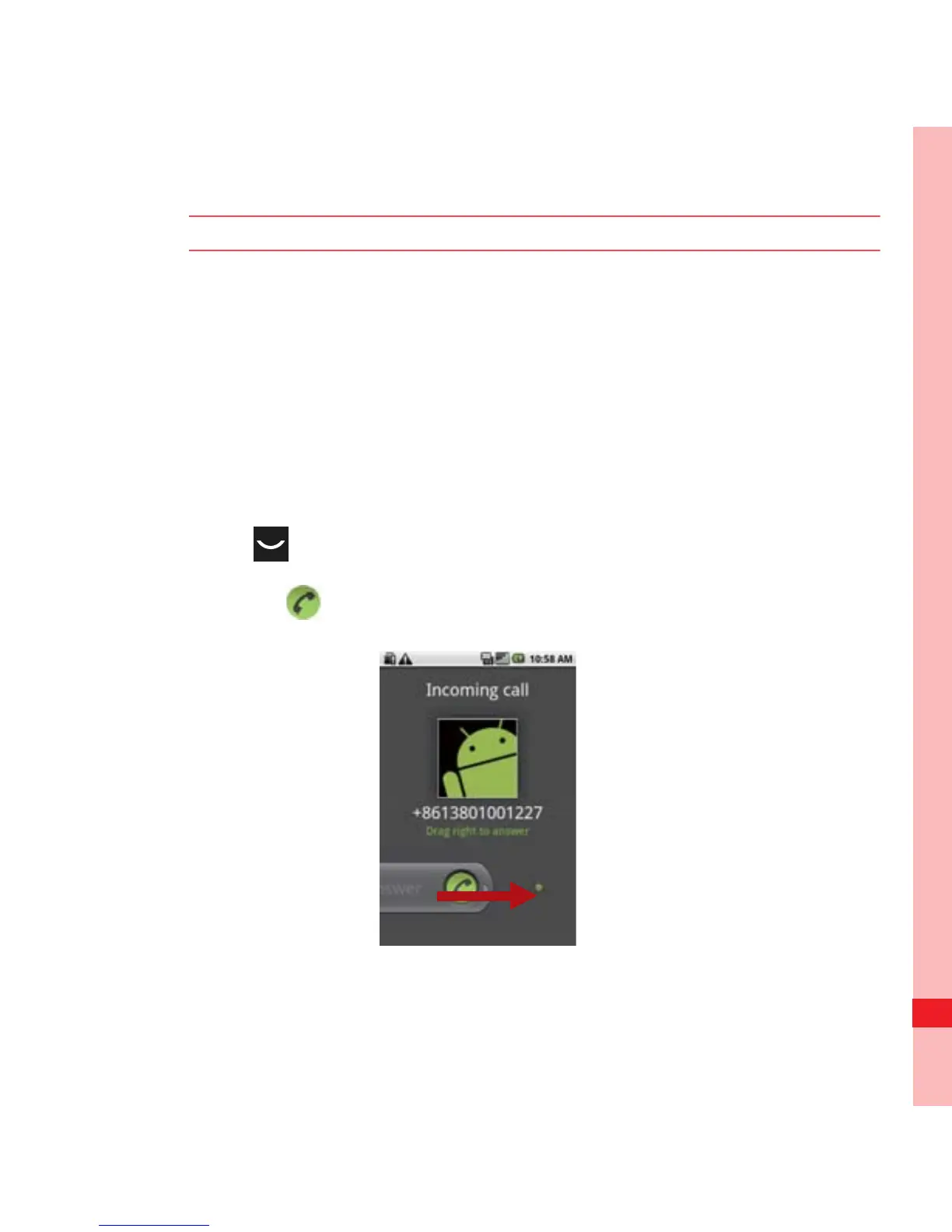
When you receive a phone call, the incoming call screen opens
with the caller ID and any additional information about the caller
that you have entered in Contacts.
• Press to answer the call.
• Drag the to the right.
Ofrecido por www.electromanuales.com



 To Next Page