31
Getting to Know Your Mobile Phone
Using a microSD Card
Installing the microSD Card
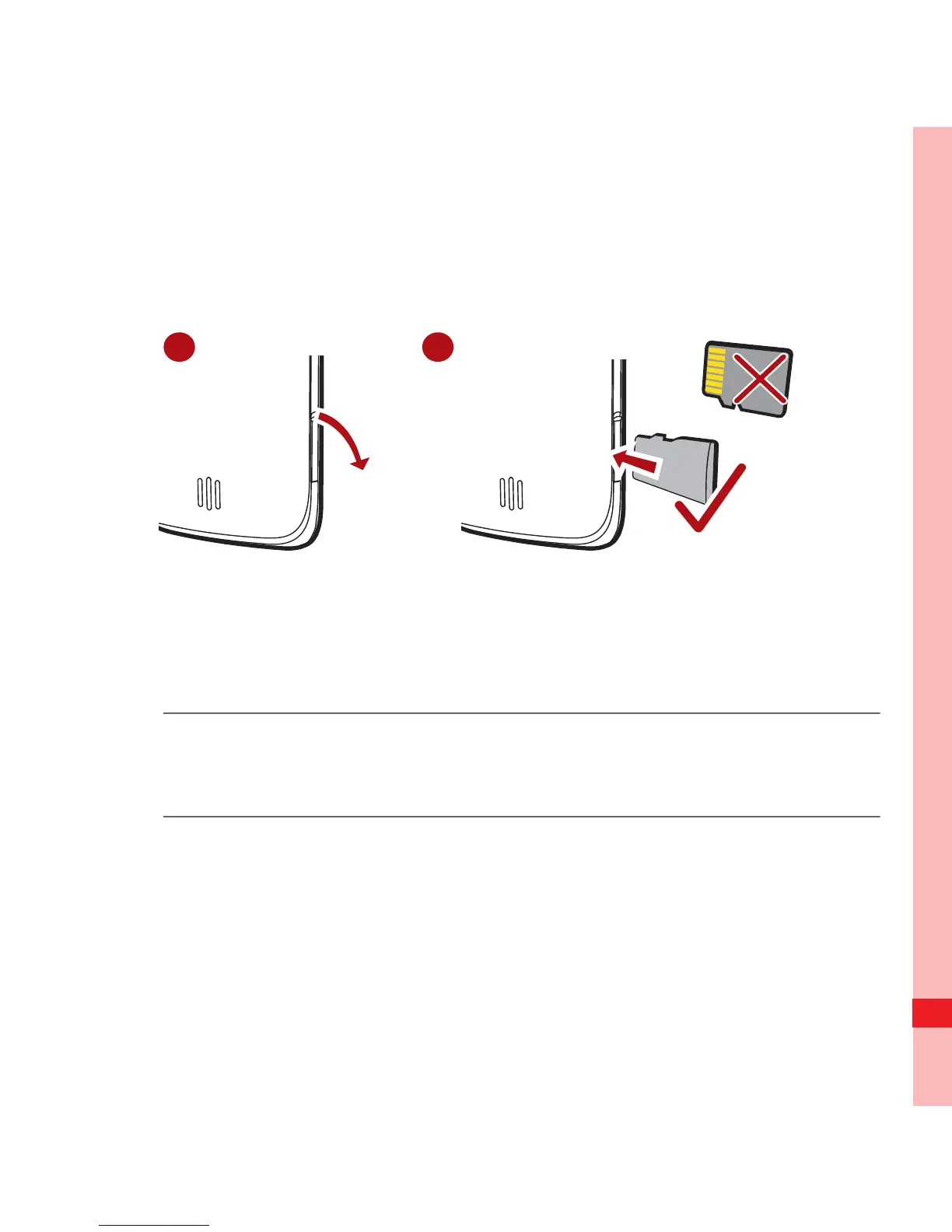
1. Open the microSD card cover.
2. Insert the microSD card into the card slot as shown in the
diagram.
Note:
When inserting the microSD card, make sure that the golden contact
faces downwards.
Using the microSD Card as USB Mass Storage
To transfer all your favorite music and pictures from your PC to
your mobile phone’s microSD card, set the microSD card as
USB mass storage.
Ofrecido por www.electromanuales.com



 To Next Page