10
Getting to Know Your Mobile Phone
Note:
To customize the function of , touch Settings > General info &
option > End button behavior.
Installing Your Mobile Phone
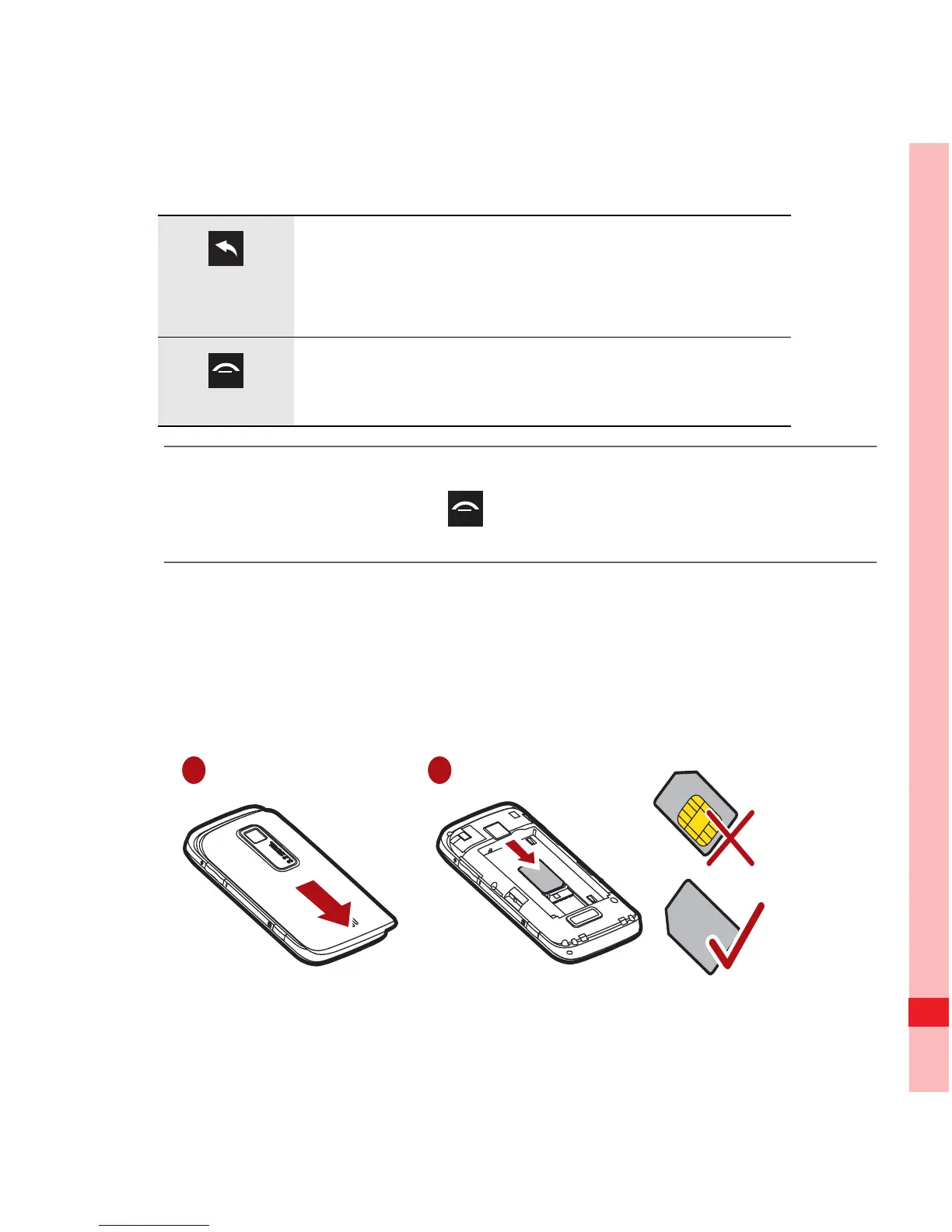
Installing the SIM Card
It takes two steps to install your SIM card:
• Press to return to the previous screen.
• Press to exit any application you are
running.
• Press to hang up a call.
• Press to return to the Home screen.
1 2
Ofrecido por www.electromanuales.com



 To Next Page