11
Getting to Know Your Mobile Phone
1. Remove the battery cover.
2. Insert the SIM card.
Installing the Battery
Note:
Make sure the printed side of the battery points upwards.
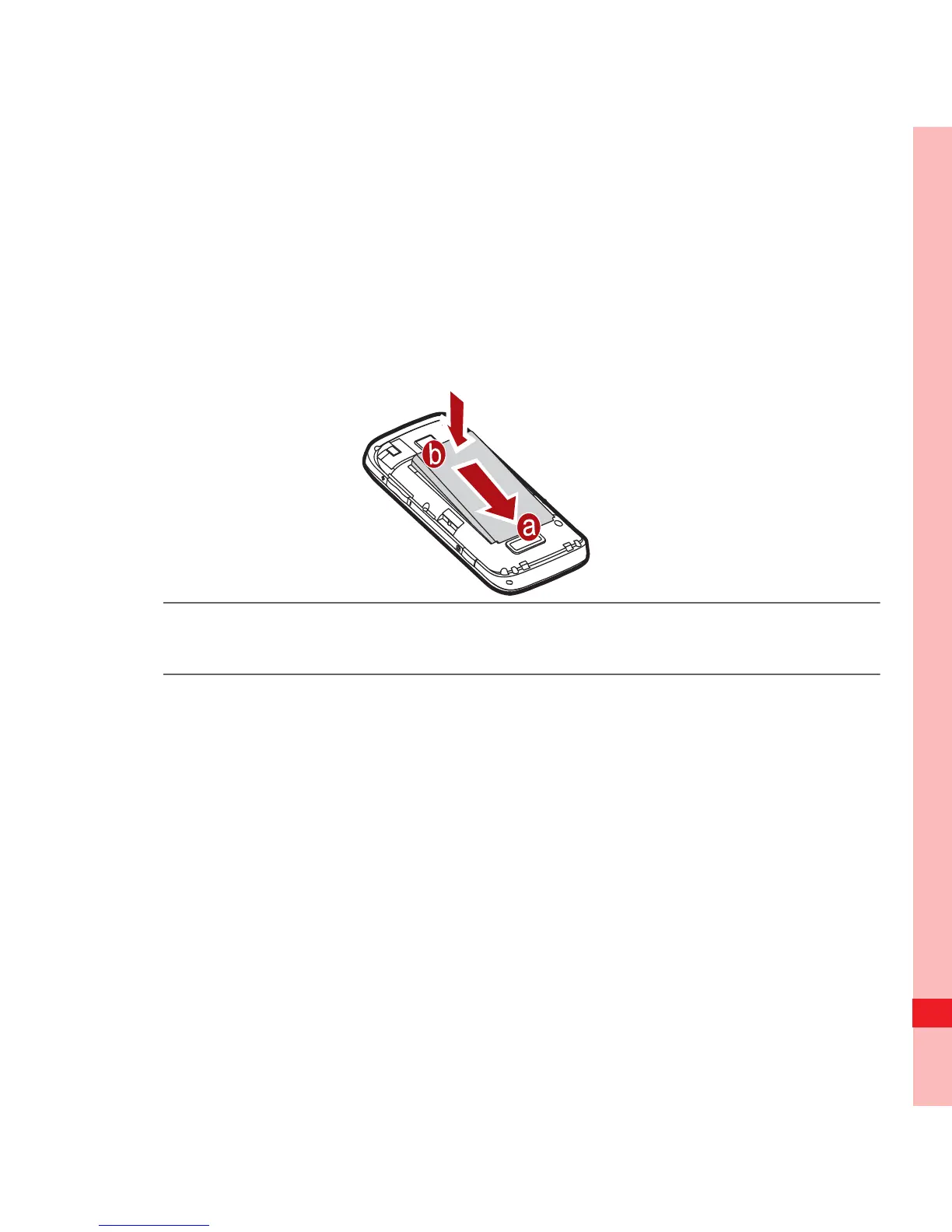
1. Angle the edge labelled a (with the contacts) into the bottom
end of the battery slot.
2. Push down the edge labelled b until the battery clicks firmly
into place.
Charging the Battery
Ofrecido por www.electromanuales.com



 To Next Page