9
Getting to Know Your Mobile Phone
Key Functions at Your Fingertips
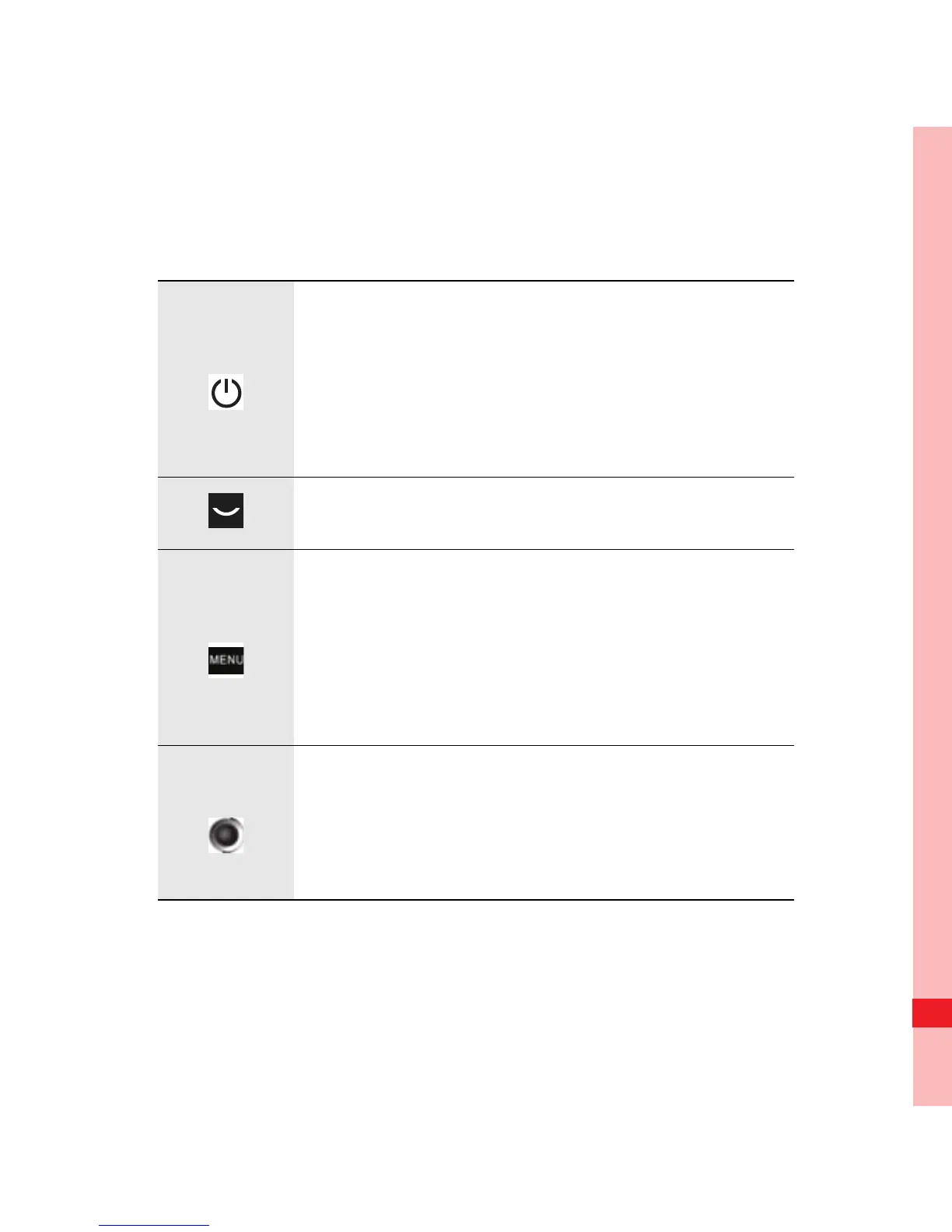
• Press to power on your mobile phone.
• Press and hold to open the Phone
options menu.
• Press to lock the screen when your
mobile phone is active.
• Press to go to the Call log tab.
• Press to open the menu on an active
screen.
• Press and hold to open the keyboard so
you can perform quick searches.
• Press to unlock the screen.
• Roll to navigate selectable items on the
screen.
• Press to select a highlighted item or
action.
Ofrecido por www.electromanuales.com



 To Next Page