124
Using Other Applications
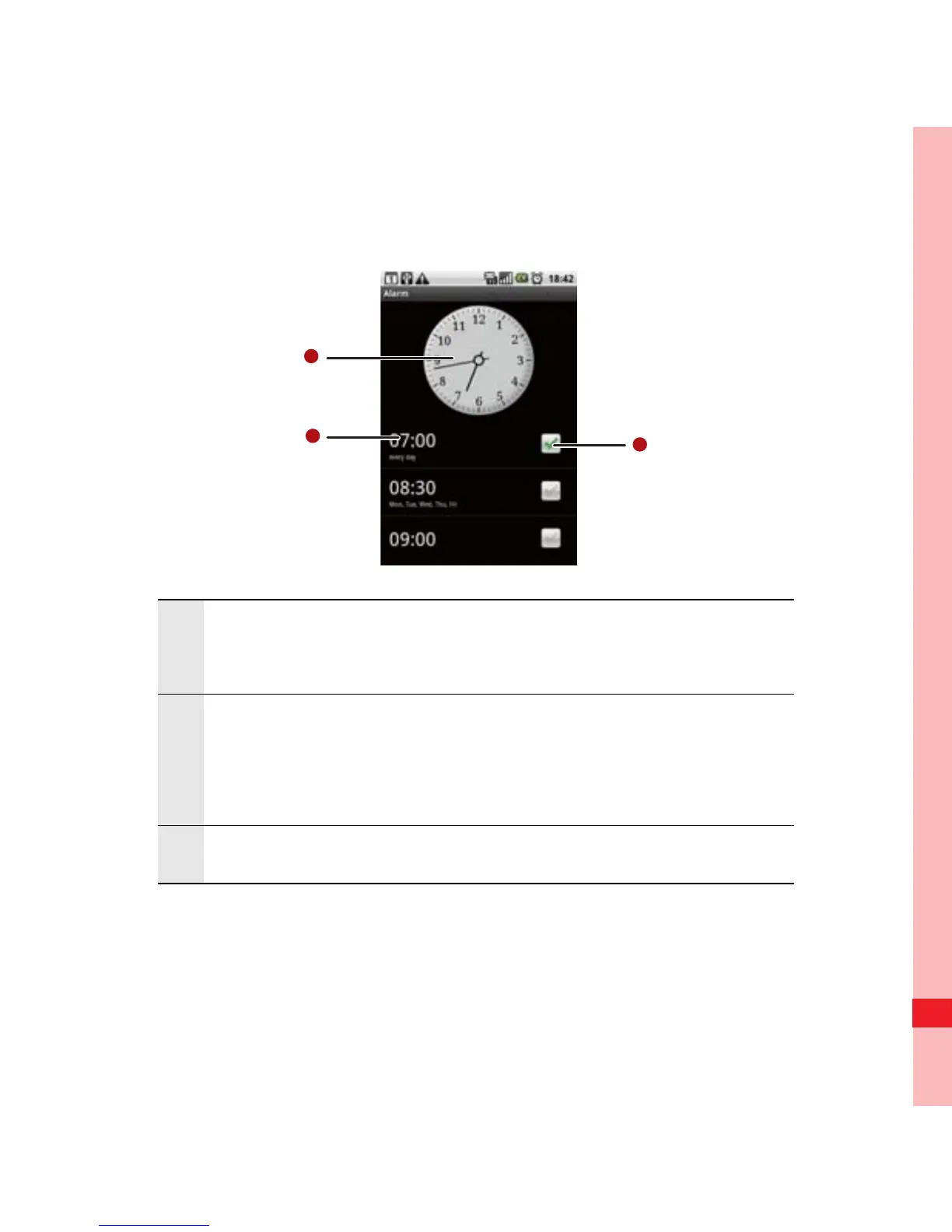
Alarm List Screen
1
Shows the current time.
Touch to select a clock to display.
2
Touch to access the alarm settings screen. You
can set the alarm time, ringtone, vibration, and
repeat mode.
3 Touch to enable or disable an alarm.
Ofrecido por www.electromanuales.com



 To Next Page