23
Getting to Know Your Mobile Phone
• Touch Clear to clear all notifications.
Closing the Notification Panel
Touch and hold the bottom of the panel. Then flick up to close it.
Extending the Canvas
You can expand and customize Canvas.
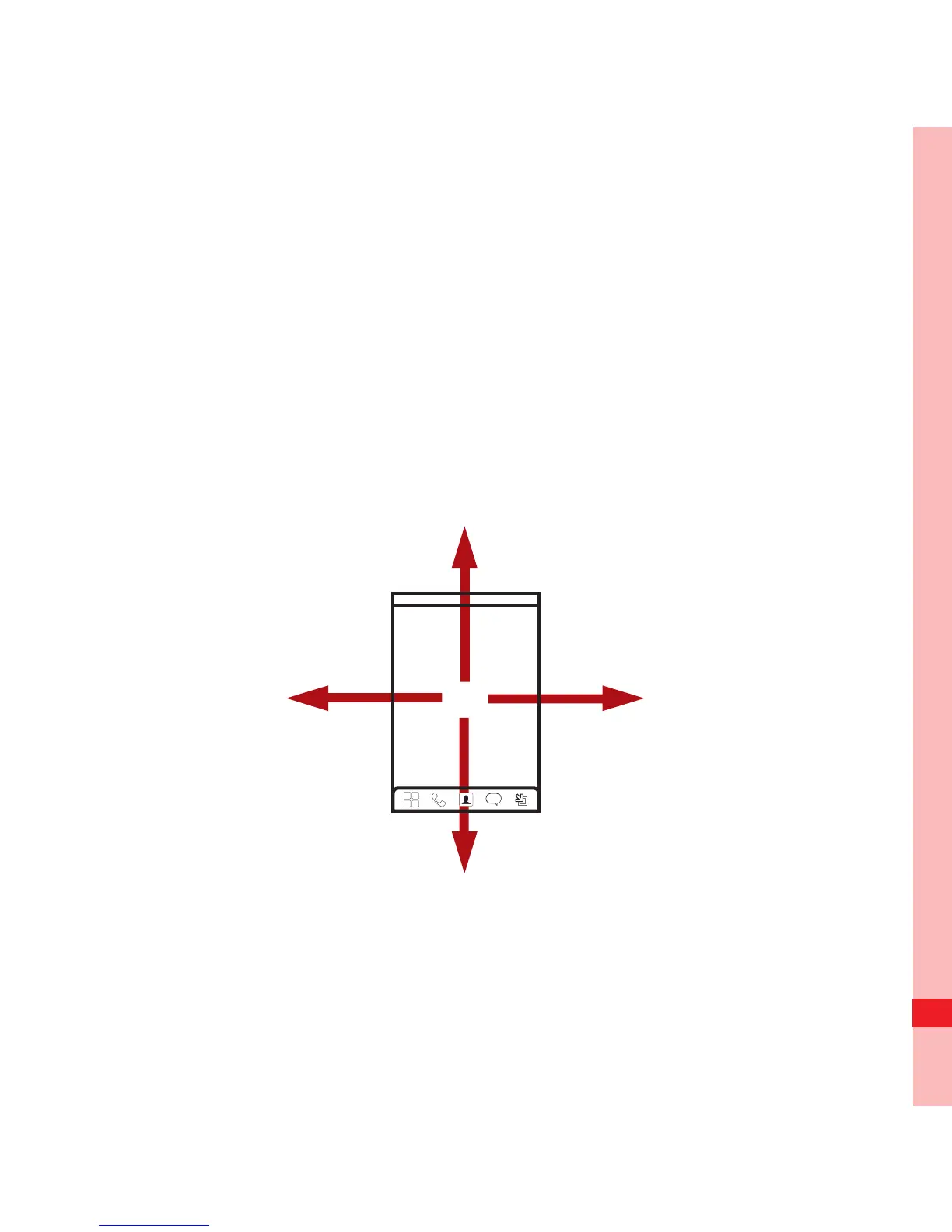
• On the Canvas screen, you can flick your finger in all directions
to go to the extended screens of the Canvas.
Ofrecido por www.electromanuales.com



 To Next Page