26
Getting to Know Your Mobile Phone
Moving a Screen Item
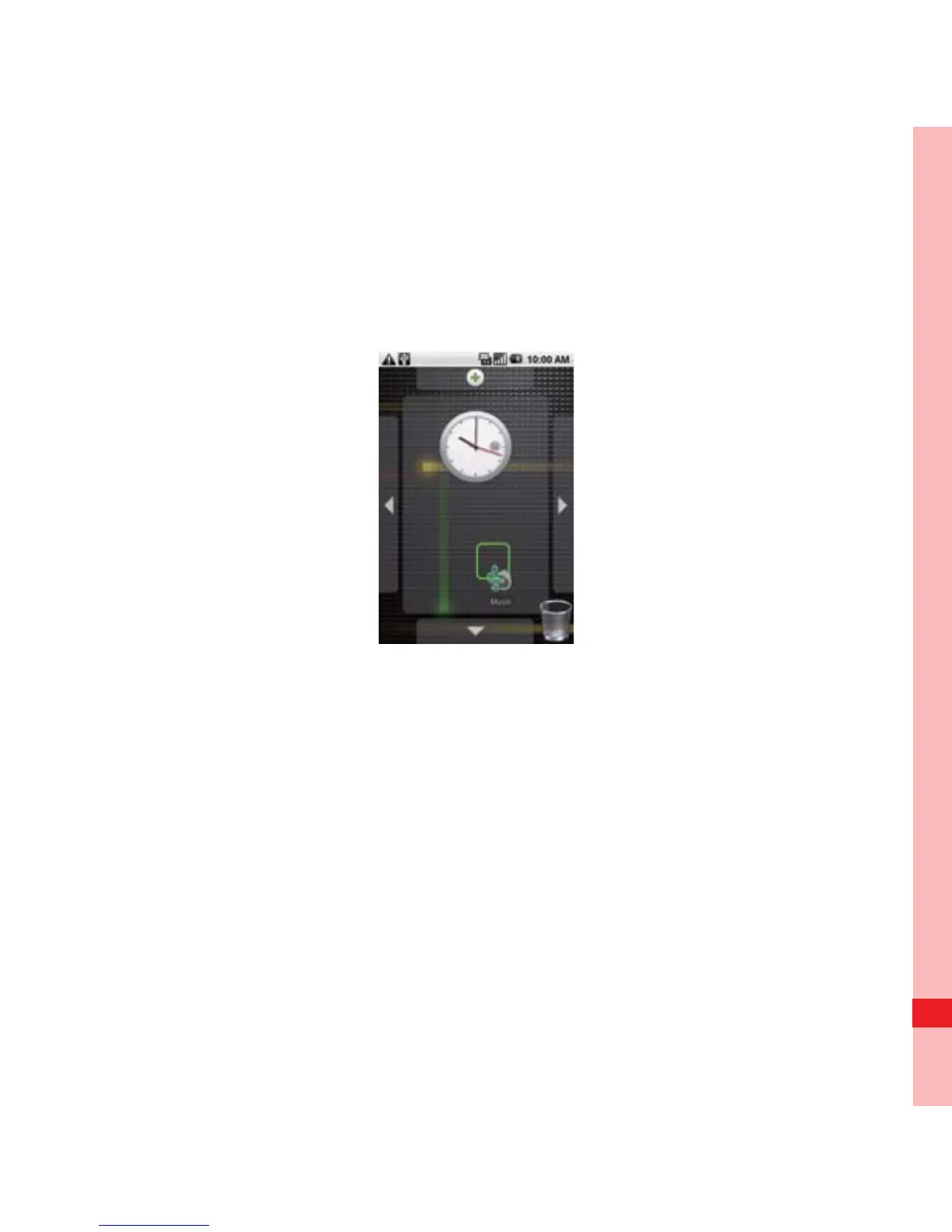
1. Touch and hold an icon on the Canvas screen until the icon
magnifies and the mobile phone vibrates.
2. Without lifting your finger, drag the icon to the desired position
on the screen, and then release it.
Removing a Screen Item
1. Touch and hold an icon on the Canvas screen until the icon
magnifies and the mobile phone vibrates.
Ofrecido por www.electromanuales.com



 To Next Page