29
Getting to Know Your Mobile Phone
3. To add a shortcut to the folder, touch and hold an application
or a shortcut icon to activate the move mode. Then drag it to
the top of the folder.
4. Touch the folder to open it. When the folder is opened, touch
the title bar of the folder to close it.
Note:
When the move mode is activated, the item magnifies and the phone
vibrates.
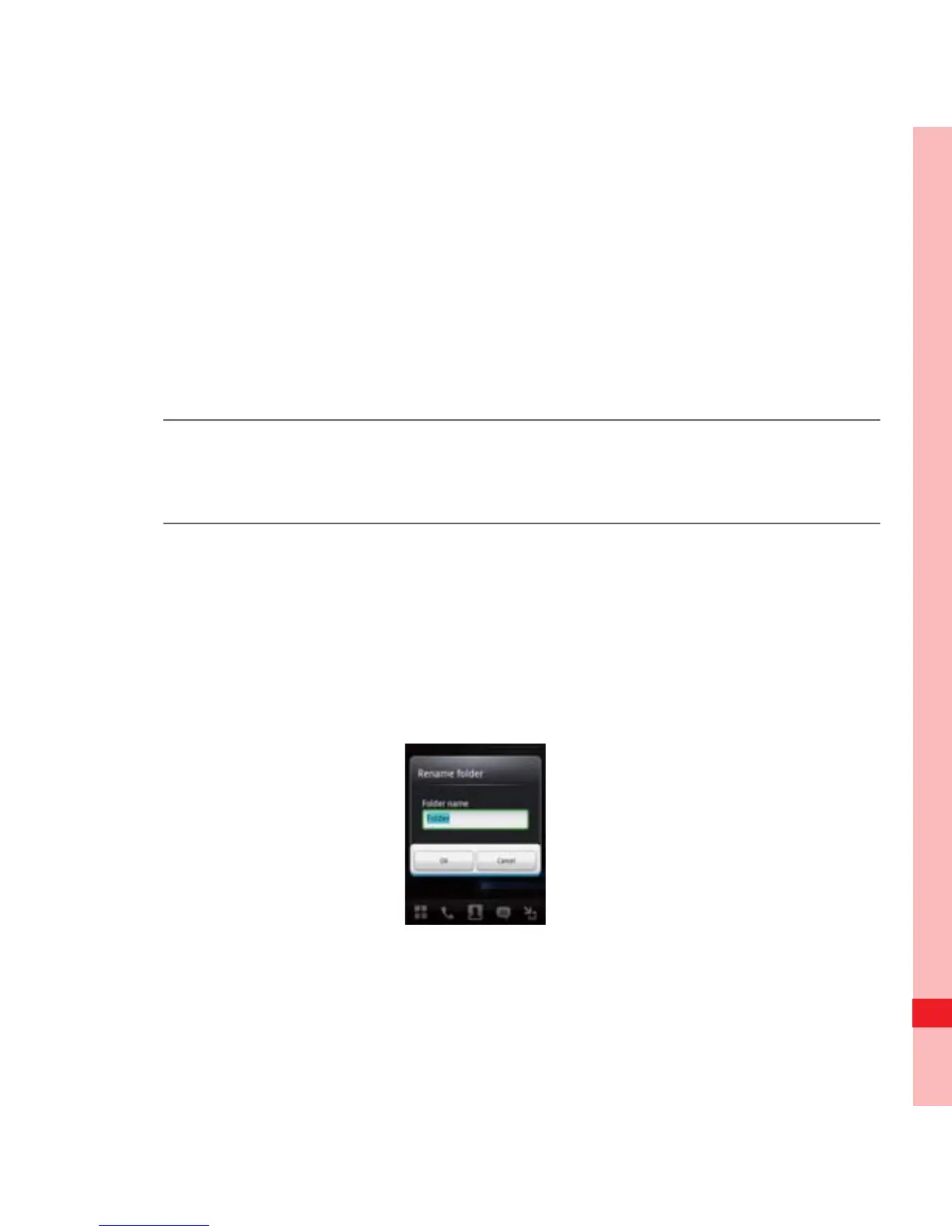
Renaming a Folder
1. Touch the folder to open it. Then touch and hold the title bar of
the folder to open the Rename folder dialog box.
2. Enter the new folder name, and then touch OK.
Ofrecido por www.electromanuales.com



 To Next Page