47
Contacts
3. Make the desired changes to the contact information, and
then touch Done. To cancel all changes you made to the
contact information, touch Cancel.
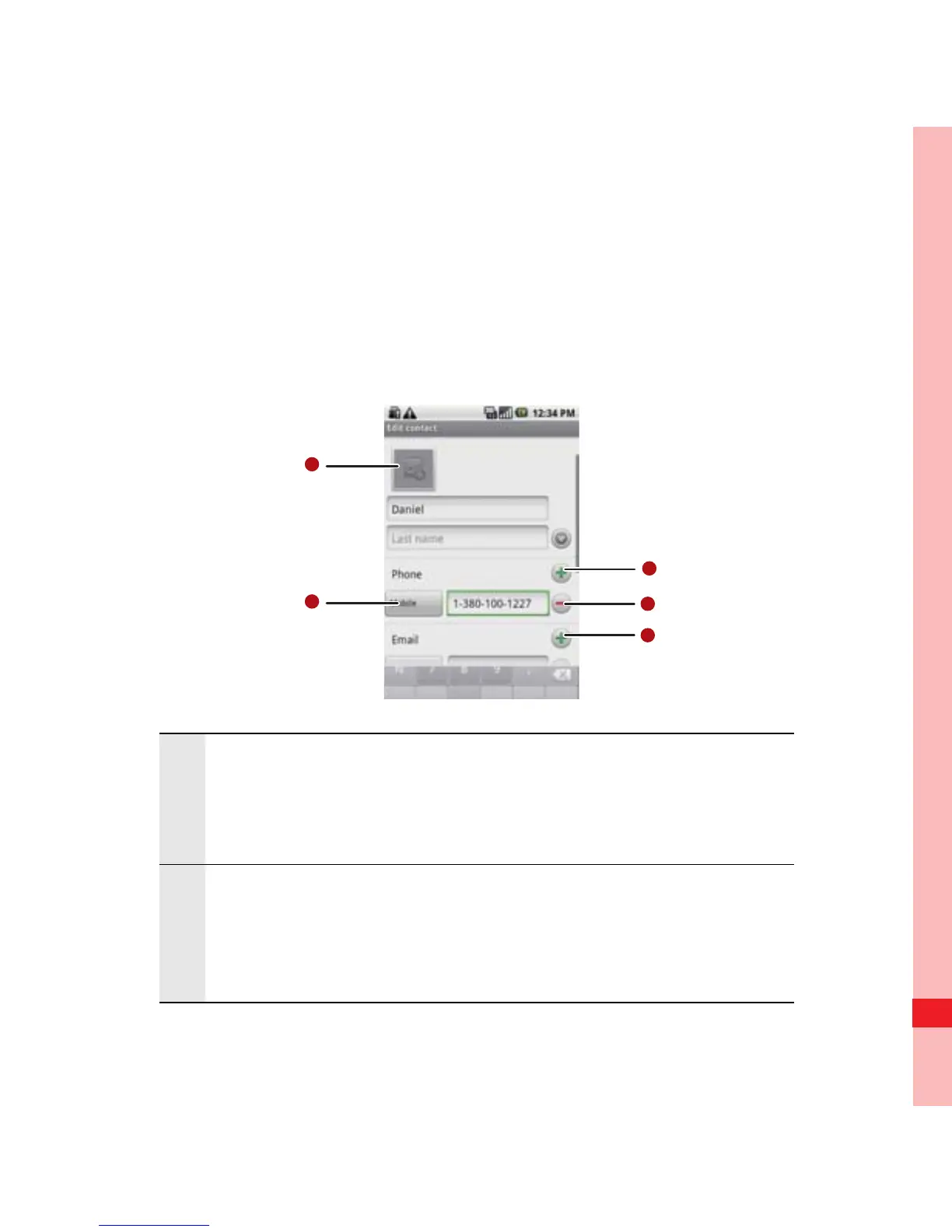
Contact Editing Screen
1
Touch the Picture Frame icon to select a picture to
display next to the name in your list of contacts
and in other applications.
2
Touch to open a menu with preset labels, such as
Mobile and Work for a phone number, or touch
Custom in the menu to create your own label.
Ofrecido por www.electromanuales.com



 To Next Page