49
Contacts
Contact details
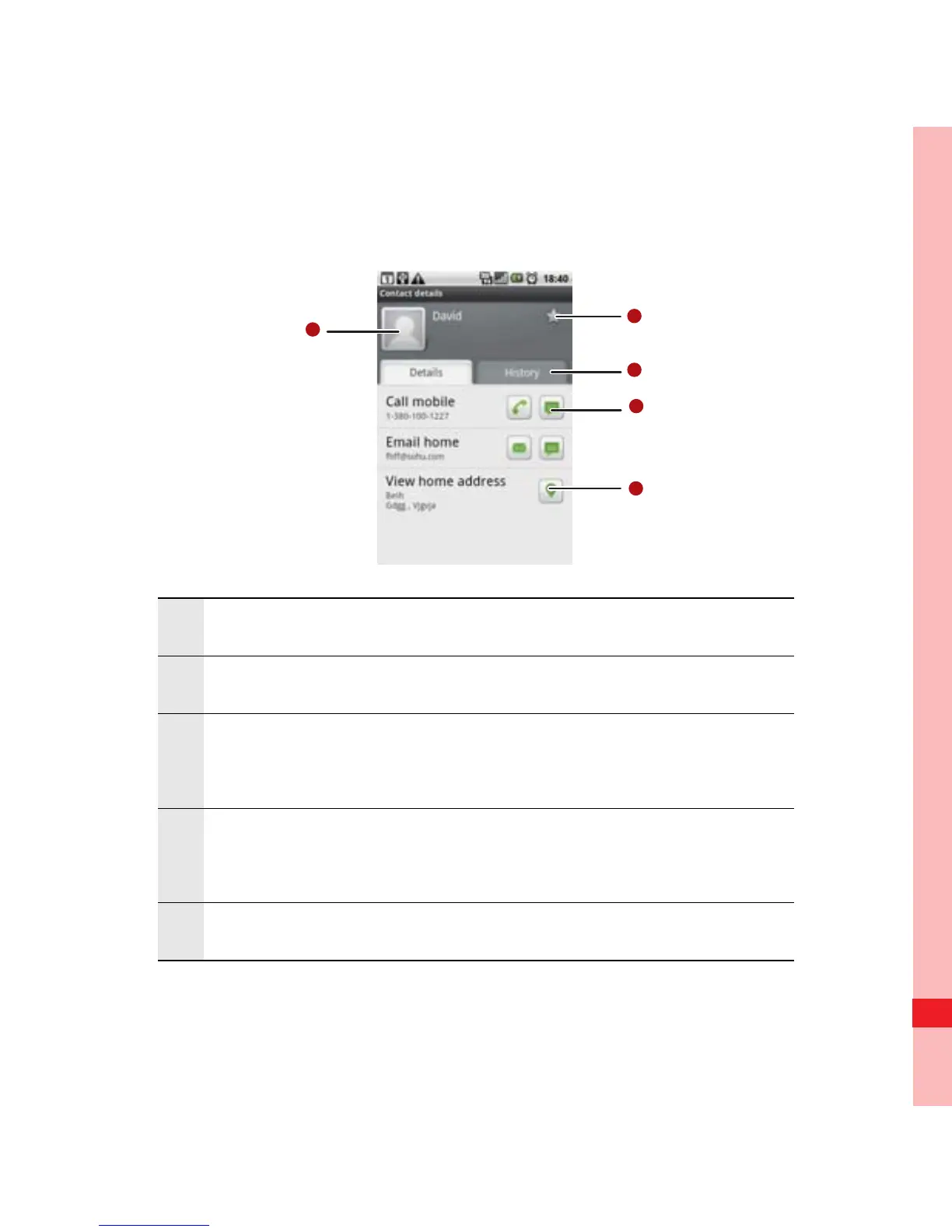
1 Touch an icon to open Quick Contact.
2 Touch an address to view it on maps.
3
Touch an icon to call, send a message, chat, and
so on.
4
Touch the History tab to view a list of interactions
you have had with this contact.
5 Touch to add the contact to your favorites.
Ofrecido por www.electromanuales.com



 To Next Page