55
Using the Onscreen Keyboard
3. Select the input method.
The keyboard panel will be displayed automatically.
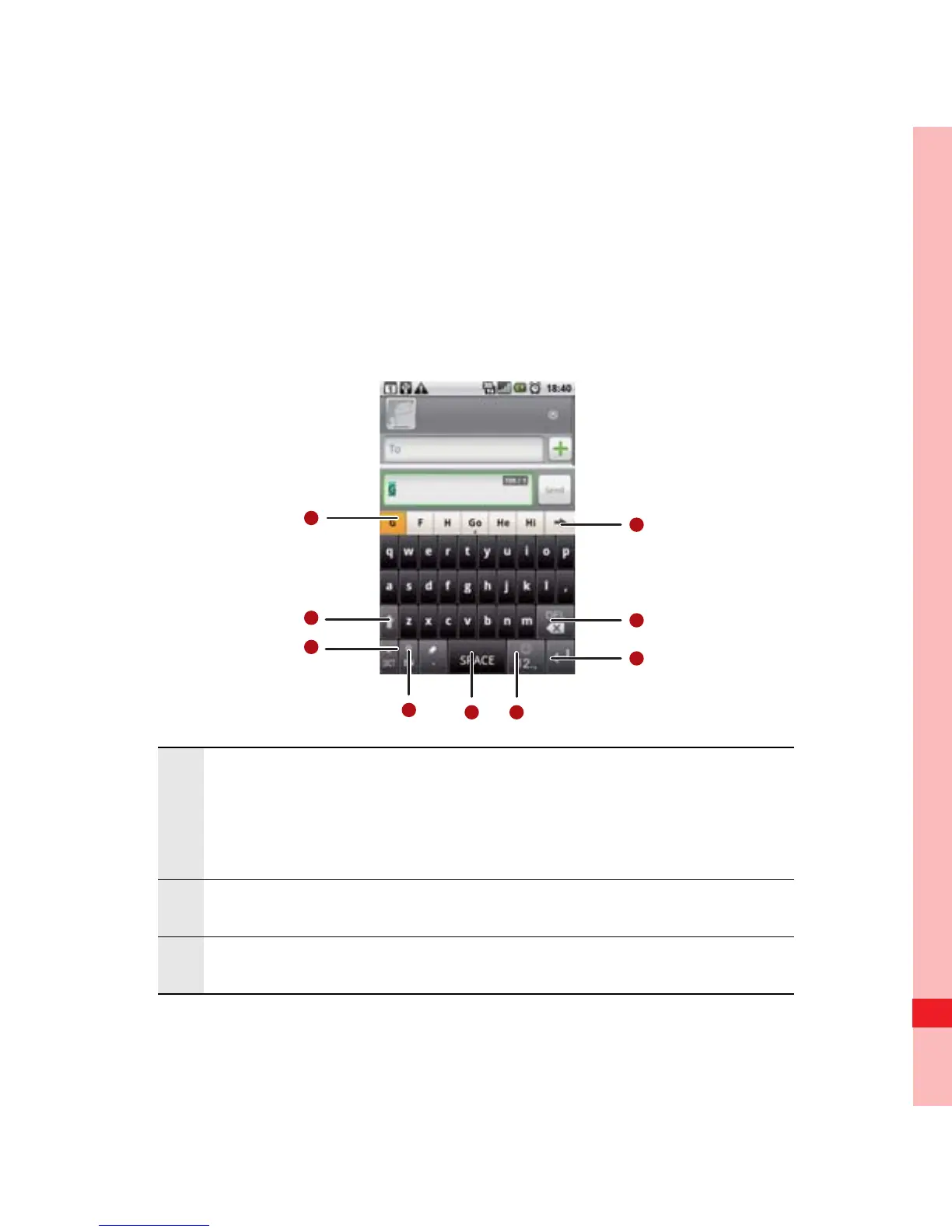
Using the TouchPal Keyboard Panel
1
Displays the list of candidate words. Touch a word
to insert it into your text. If word prediction is
enabled, the suggested word is highlighted.
2 Touch to change from uppercase to lowercase.
3 Touch to enable word prediction.
Ofrecido por www.electromanuales.com



 To Next Page