58
Using the Onscreen Keyboard
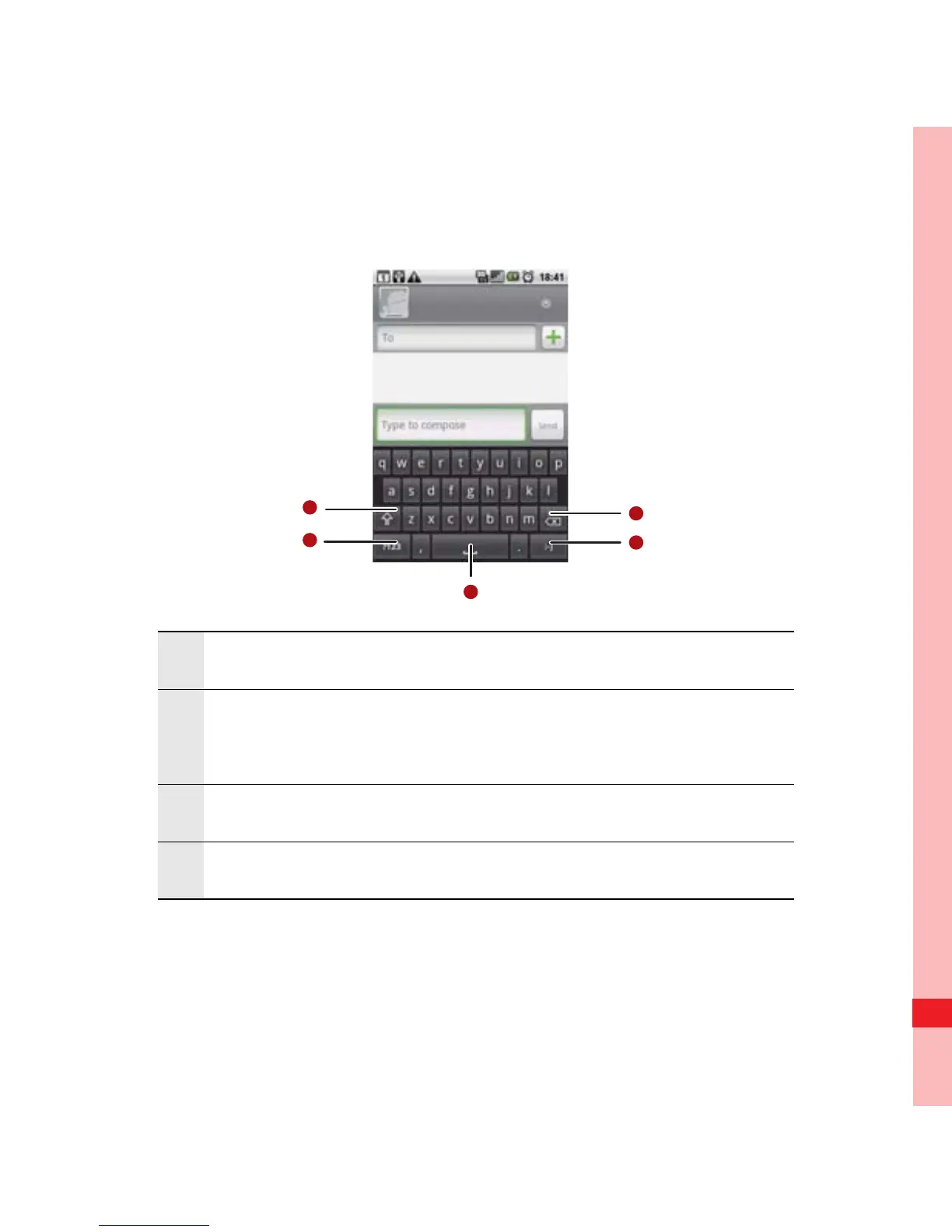
Using the Android Keyboard
1 Touch to change from lowercase to uppercase.
2
Touch to change from text mode to symbol/
number mode. Touch again to change back.
3 Touch to insert a space.
4 Touch to insert a smiley in your text.
Ofrecido por www.electromanuales.com



 To Next Page