71
Messaging
2. Access a folder, and then touch the message that you want to
view.
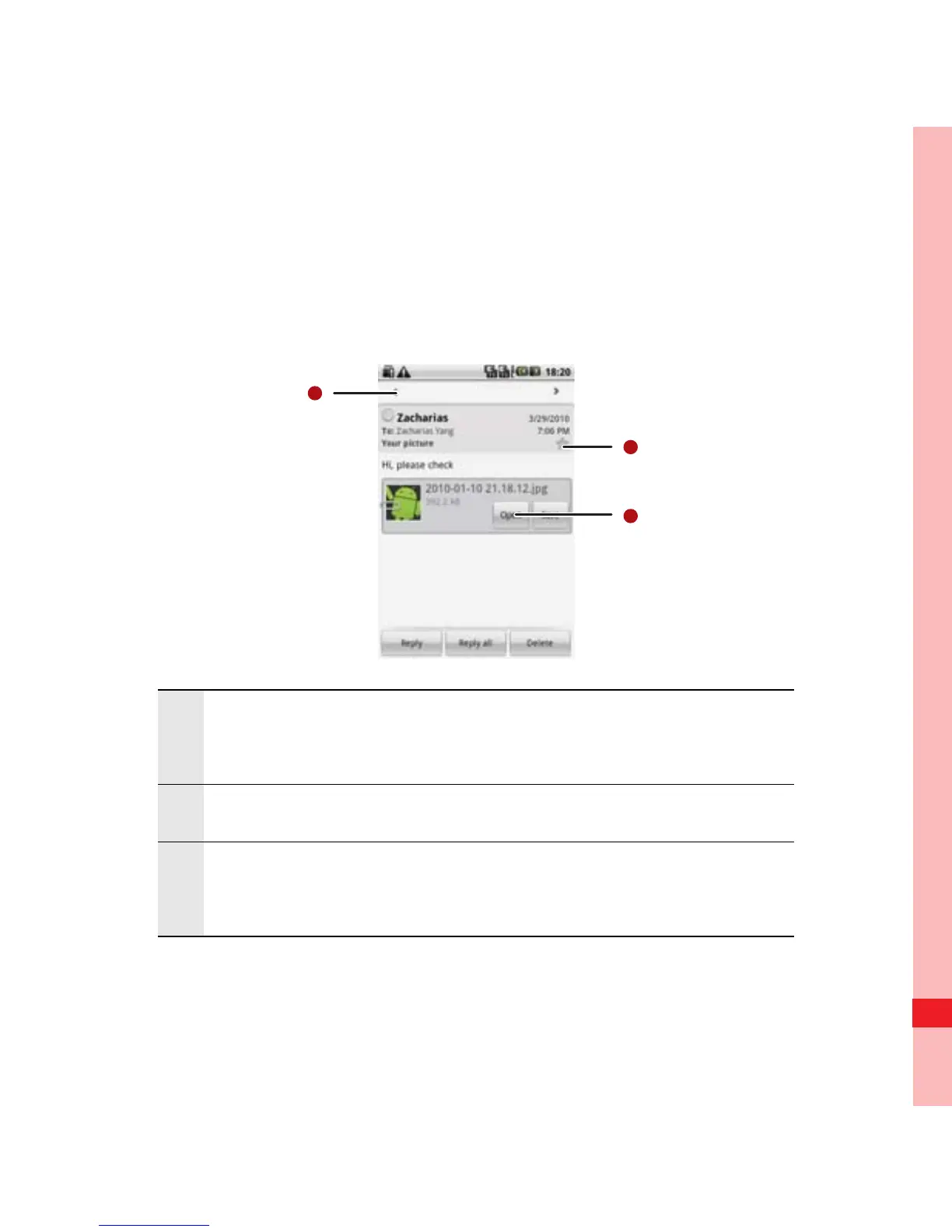
Email Message Screen
1
Touch to read the next or previous message in the
folder.
2 Touch to open an attachment.
3
Touch to place a star next to an important
message to make it easy to locate.
Ofrecido por www.electromanuales.com



 To Next Page