78
Getting Connected
Opening the Browser
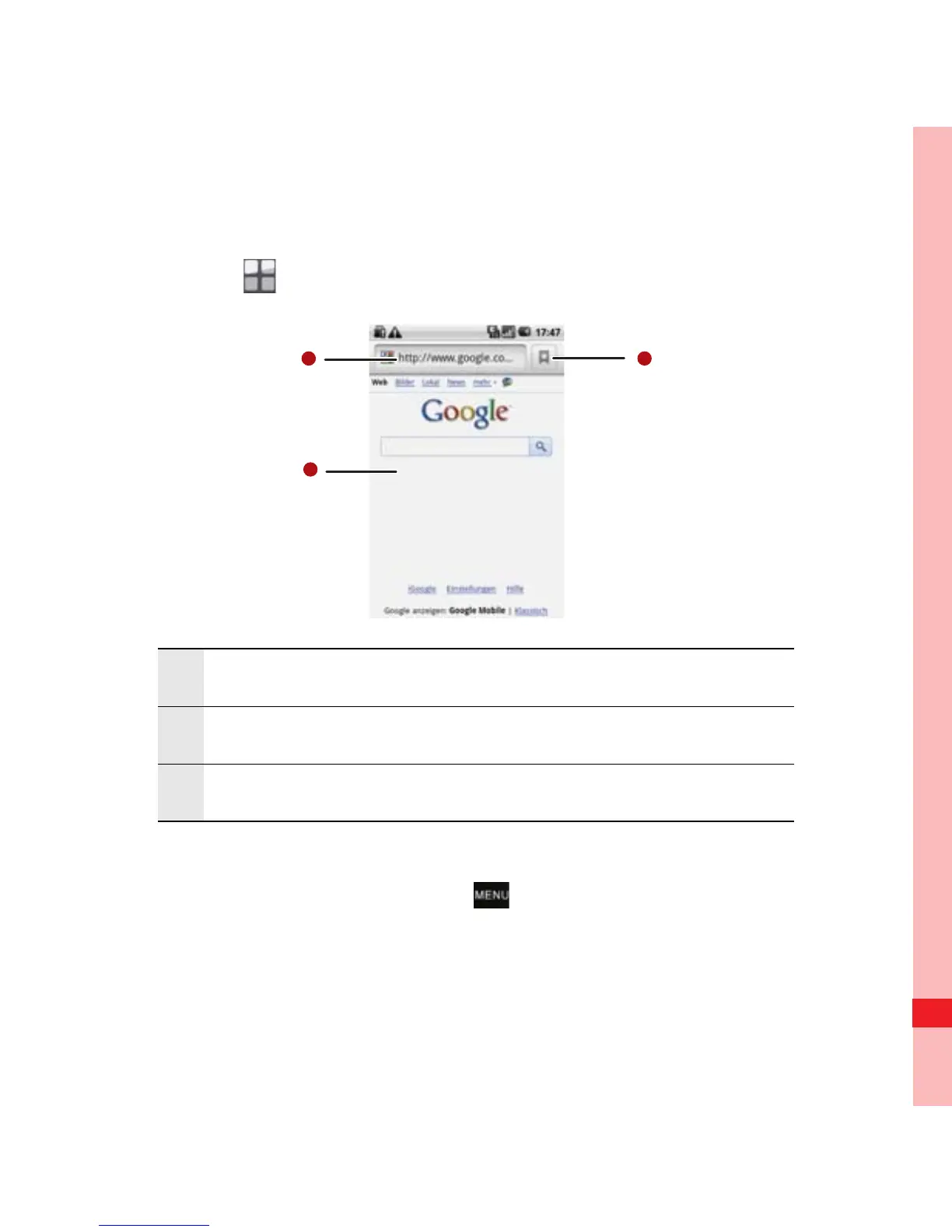
Touch > Browser to Google's home page.
Open the browser options menu and perform one of the
following operations, press :
• New window: Touch to open a new window.
• Bookmarks: Touch to display bookmarks.
1 Web page view area.
2 Touch to open Bookmarks.
3 Touch to enter the desired website.
MENU
key
Ofrecido por www.electromanuales.com



 To Next Page