87
Entertainment
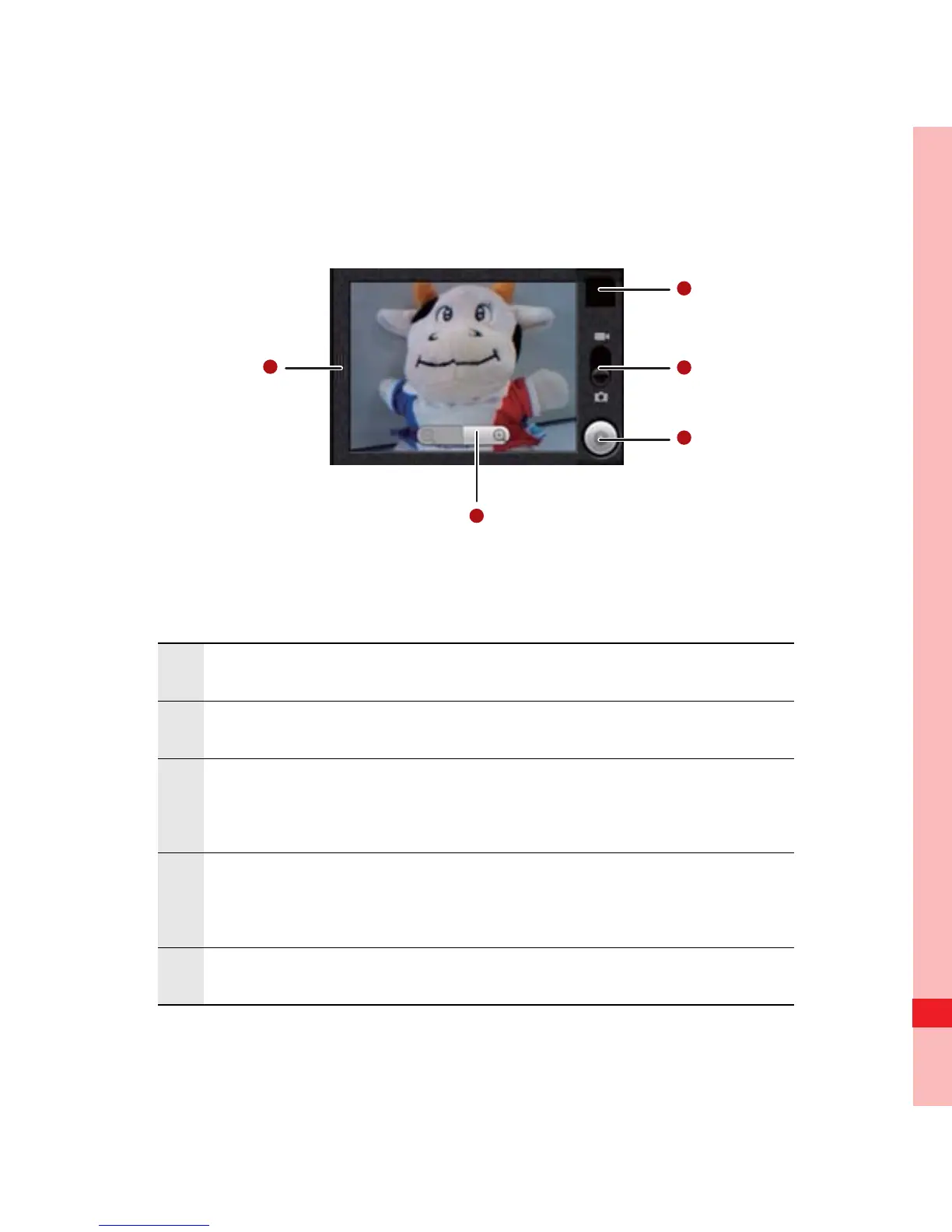
Capture Screen
On the capture screen, touch the screen to show the zoom in or
out controls.
1 Touch to open the settings panel.
2 Touch to zoom in or out.
3
Thumbnail of last photo. Touch to preview the
photos or videos.
4
Drag up to shoot videos (camcorder mode), drag
down to take photos (camera mode).
5 Touch to take a photo or shoot a video.
Ofrecido por www.electromanuales.com



 To Next Page