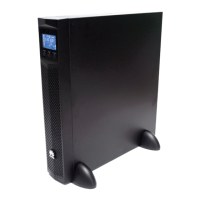
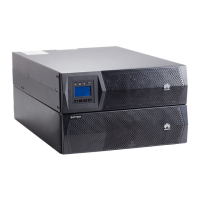
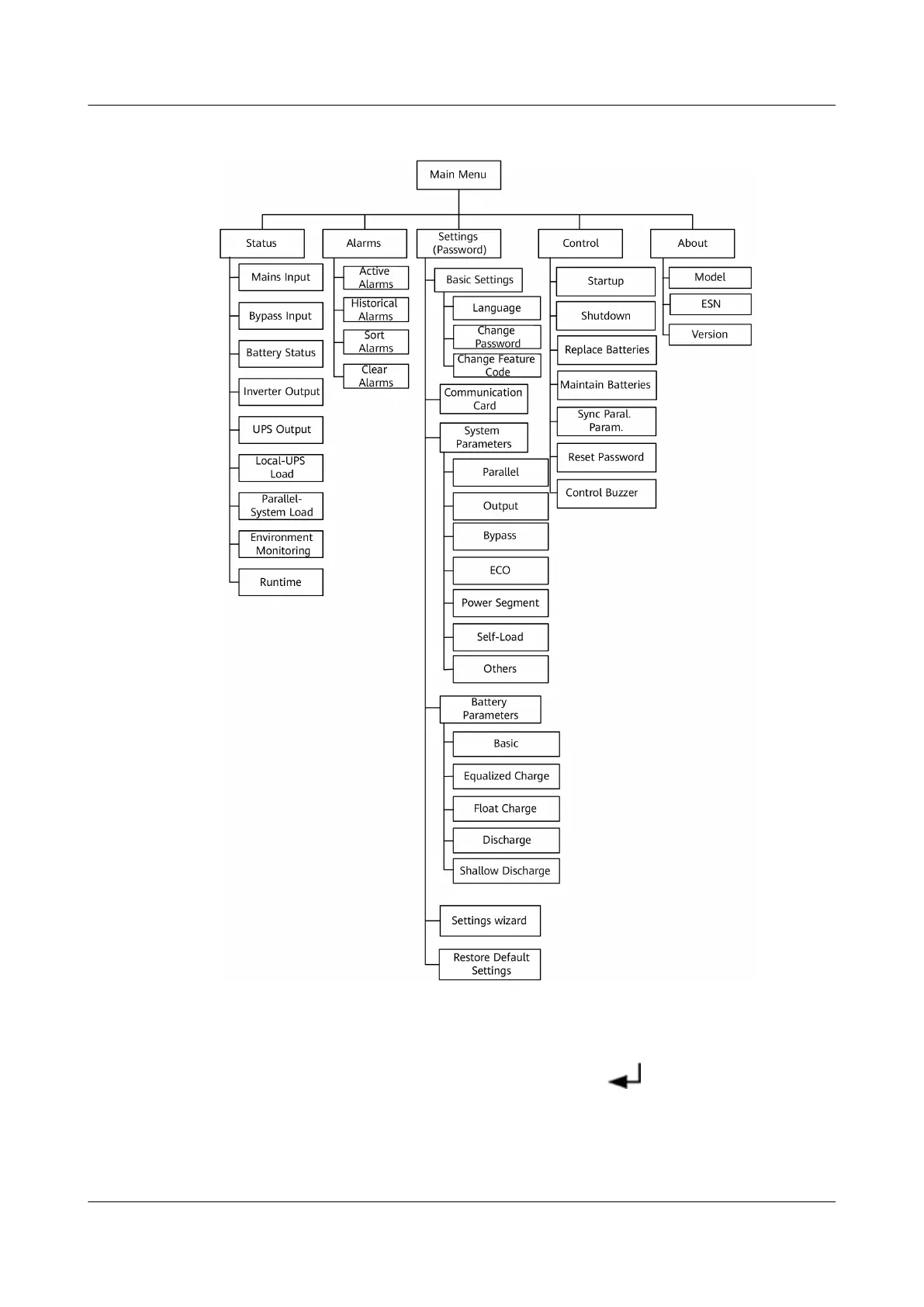
Figure 4-5 LCD menu hierarchy
4.6.1 Status Screen
On the Main Menu screen, select Status, and press . The Status screen is
displayed.
UPS2000-G- (6 kVA-20 kVA)
User Manual 4 Control Panel
Issue 18 (2021-07-16) Copyright © Huawei Technologies Co., Ltd. 48


 To Next Page
 Loading...