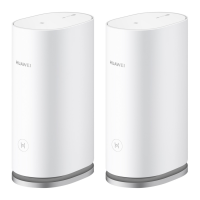
HUAWEI WiFi Mesh 3
Product Description
Error! Use the Home tab to apply 标题 1,heading 1 to
the text that you want to appear here.Error! Use the
Home tab to apply 标题 1,heading 1 to the text that
you want to appear here.
Huawei Proprietary and Confidential
Copyright © Huawei Device Co., Ltd.
WAN/LAN
auto-adaptation
port
Connects to the Internet (such as a broadband modem or
an optical modem) and network devices such as a
computer or TV box.
Supports WAN/LAN auto-adaptation. Connect the drop
network cable to any one of the ports to access the
Internet.
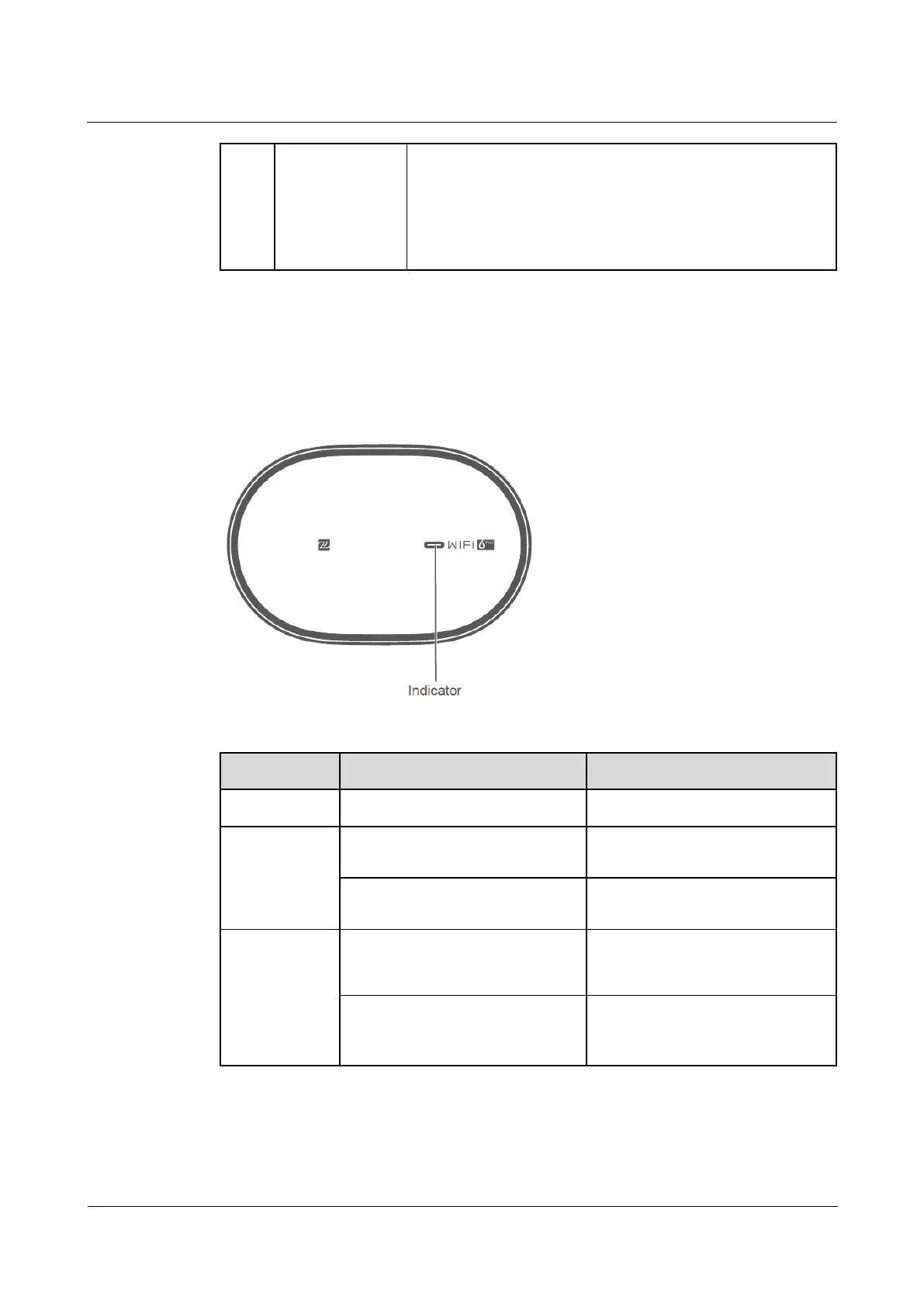
1.3 Indicator
Figure 1-3 Indicator
Table 1-2 Indicator and ports
The router is starting up.
Connecting to
the Internet
The router is connected to the
Internet.
The router is not connected to the
Internet.
The router has discovered a
device that supports
HarmonyOS Connect.
The router is pairing with the
device that supports HarmonyOS
Connect or WPS.

 To Next Page
 Loading...