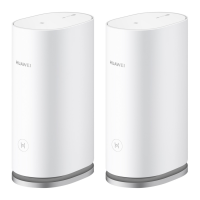
HUAWEI WiFi Mesh 3
Product Description
Error! Use the Home tab to apply 标题 1,heading 1 to
the text that you want to appear here.Error! Use the
Home tab to apply 标题 1,heading 1 to the text that
you want to appear here.
Huawei Proprietary and Confidential
Copyright © Huawei Device Co., Ltd.
Quickly flashing and turning to
steady blue or red
HarmonyOS Connect or WPS
pairing is successful.
Steady green: the router is
connected to the Internet.
Steady red: the router is not
connected to the Internet.
HarmonyOS Connect or WPS
pairing failed. The router
rediscovered the device.
The router is being updated.
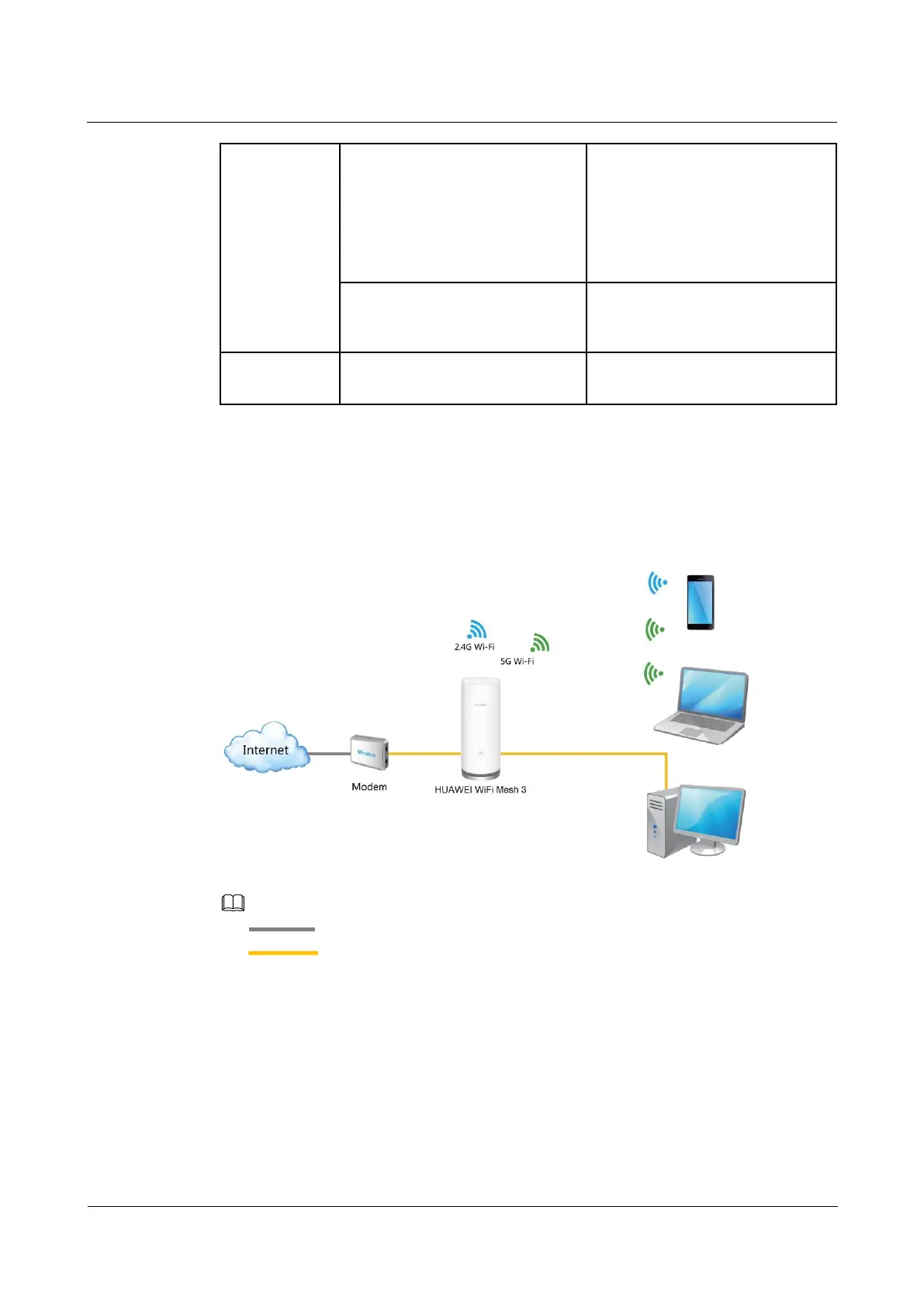
1.4 Network Architecture
Figure 1-4 HUAWEI WiFi Mesh 3 (1-pack) Network architecture
Optical fiber (or telephone line/Ethernet cable)
Ethernet cable

 To Next Page
 Loading...