8
Operation of Base Station
4.4 Use Base Station as a BT Speaker
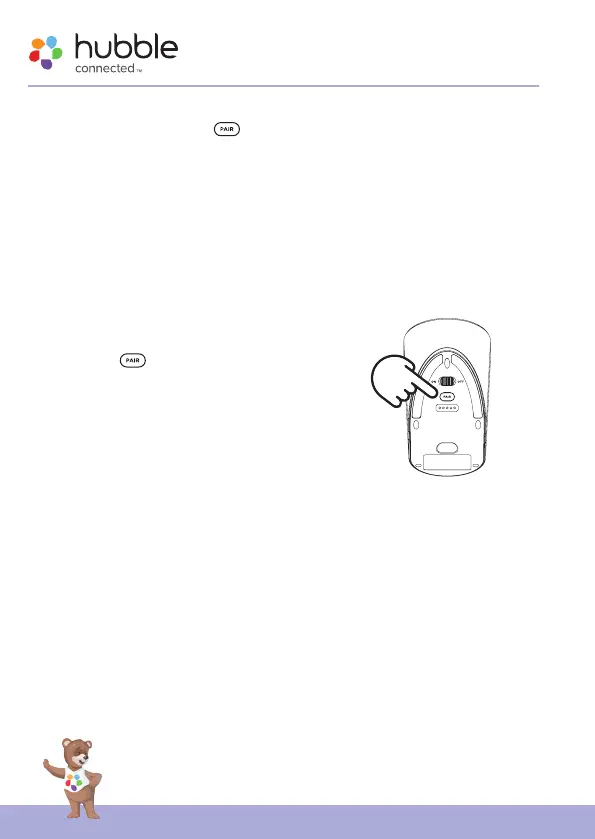
1. Press and hold the Pair button on the bottom of Base Station for
2s. You will hear a beep tone and the Pair LED indicator blinks in blue
color when the device enters BT pairing mode.
2. Go to the Set-Up menu of your mobile phone. Then go to BT
Connection.
3. Find the Device name “Guardian Audio” and connect.
4. If the connection fails, please try again by going through steps 1 to 3.
5. Stream the audio from your mobile phone and listen to it in Base
Station.
Note:
Once BT is disconnected, reactive BT by short
pressing Pair
button, and reconnect Base
Station on your mobile phone.



 To Next Page