EasyManua.ls Logo

Huion KAMVAS 12 - User Manual

Huion KAMVAS 12
131 pages
Print Icon
To Next Page IconTo Next Page
Loading...
2
26
47
68
89
110
User Manual
Benutzerhandbuch
Manuel d' utilisateur
ユーザーマニュアル
Manuale d' uso
Manual de Usuario
GS1161
KAMVAS 12

Table of Contents

Questions and Answers

Summary

Precautions

Product Overview

Display Introduction

Details the features and benefits of the creative drawing display.

Product and Accessories

Lists and describes the included accessories and tablet components.

Display Connection

Install Driver

Pen Basic Operation

Hold the Pen

Instructions on proper grip and handling of the pen.

Position the Cursor

Explains how to move the cursor and make selections on the screen.

Pen Operation Details

Click Operation

How to perform clicks and double-clicks using the pen.

Move Operation

Method for moving objects on the screen with the pen.

Use the Side Buttons

How to utilize the customizable buttons on the pen.

Pen Nib Replacement

Display Features Overview

Power Button

Location and function of the display's power button.

Press Keys

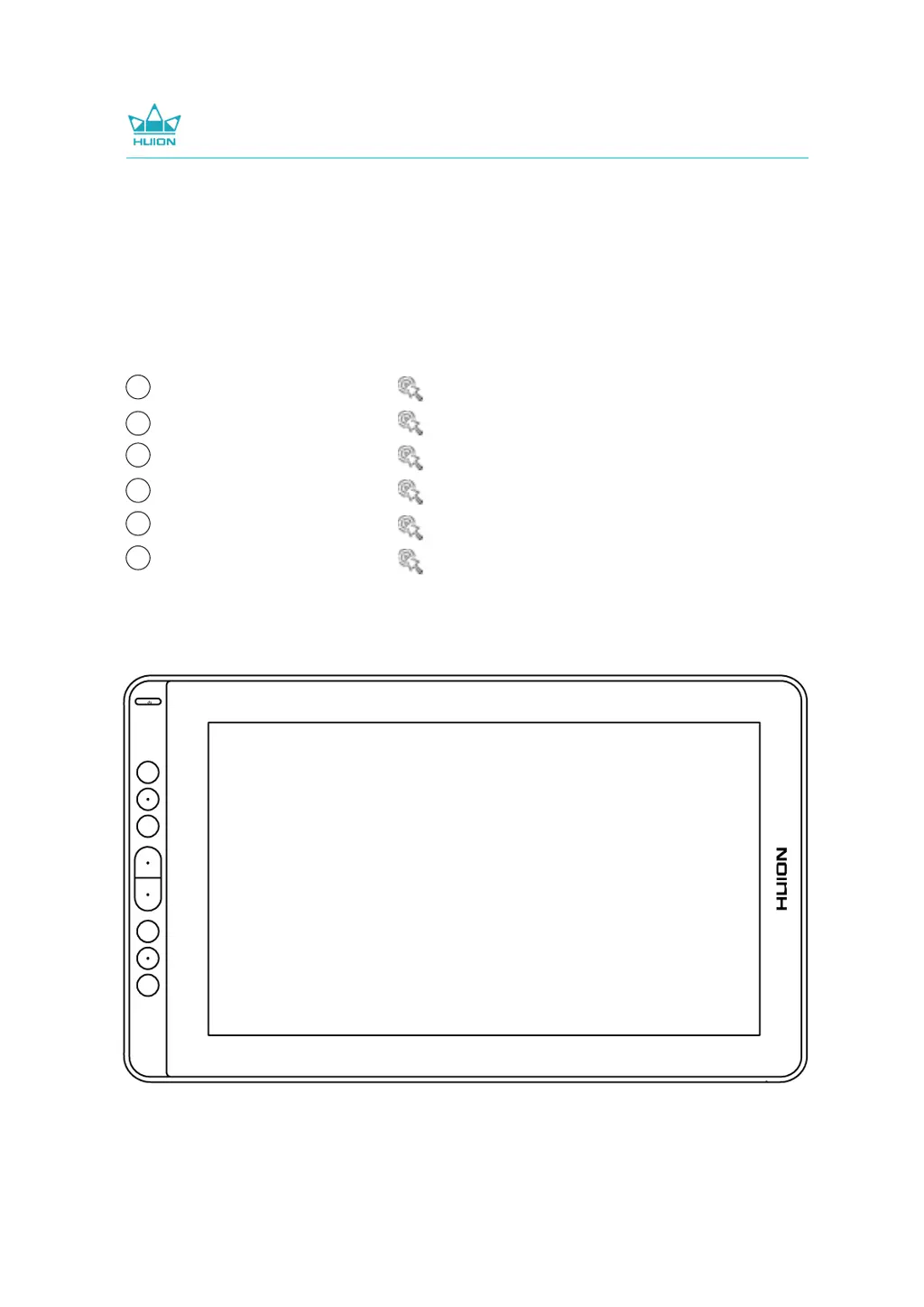
Information about the press keys and their customization.

OSD Function

Explains how to enter and navigate the On-Screen Display menu.

Working Area Setting

Rotation and Display Settings

Rotate Working Area

How to rotate the display area for left or right-handed use.

Display Setting

How to access and adjust display settings via the driver.

General and OSD Settings

Hotkeys and Updates

Hotkeys Settings

How to set up keyboard shortcuts for quick access to functions.

Updates

How to check for and install driver updates.

Pen Buttons and Ink Feature

Pen Buttons Function Setting

How to assign functions to the buttons on the digital pen.

Enable Windows Ink Feature

How to enable Windows Ink for enhanced pen input support.

Pressure Sensitivity Setting

Pen Testing and Activity

Pen Pressure Testing

How to test the pen's pressure sensitivity levels.

Pen Nib Activity Setting

Enables or disables pen nib functionality for specific actions.

Data Export and Import

Specifications

Troubleshooting - Display Issues

Troubleshooting - Display Phenomena

Displays wallpaper & task bar of computer monitor only

Addresses issues where only the computer wallpaper/taskbar is shown.

Lack of colors

Solutions for problems related to color display issues.

Chromatic Aberration

Explains chromatic aberration as a normal phenomenon.

Images jitter or ripple images appear

Solutions for image instability caused by interference.

Troubleshooting - Function Issues

No pressure in graphics software

Solutions for when pressure sensitivity is not detected by software.

Pen does not work

Troubleshooting steps if the pen fails to operate.

Press Keys do not work

Solutions for when the pen's press keys are unresponsive.

Computer cannot enter sleep mode

How to prevent the computer from staying awake due to the display.

Pen side button does not work

Troubleshooting steps for unresponsive pen side buttons.

Computer cannot recognize display

Solutions when the computer fails to detect the display.

After-service Contact

Huion KAMVAS 12 Specifications

General IconGeneral
Display Size11.6 inches
Color Gamut120% sRGB
Pen Pressure Levels8192 levels
Pen TechnologyBattery-Free Electromagnetic Resonance
Active Area256.32 x 144.18 mm
Pen Resolution5080 LPI
Tilt Range±60 degrees
Brightness220 cd/m²
Contrast Ratio1000:1
Response Time25ms
ConnectivityUSB-C
Net Weight735 g
Touch BarNo
Resolution1920 x 1080 pixels
CompatibilityWindows 7 or later, macOS 10.12 or later
Viewing Angle89°/89°(H)/89°/89°(V) (Typ.)
OS SupportWindows 7 or later, macOS 10.12 or later
Express Keys8 Programmable Press Keys

Related product manuals