To Next Page
N
Natalie McguireAug 15, 2025
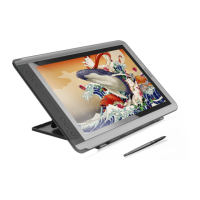
Why pen doesn’t work and no pressure in the Huion KAMVAS GT-191 V2 Graphics Tablet software?
- AAndrew LoveAug 15, 2025
If the pen isn’t working and there's no pressure in the graphics software, it might be due to a damaged or improperly installed driver. Please uninstall the driver and reinstall it. Also, try restarting your computer or re-inserting the USB cable.
 General