EasyManua.ls Logo

Huion KAMVAS 22 - User Manual

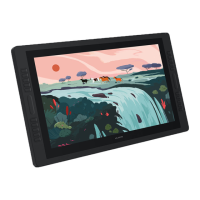
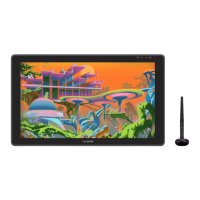
Huion KAMVAS 22
125 pages
Print Icon
To Next Page IconTo Next Page
Loading...
2
25
45
65
85
105
User Manual
Benutzerhandbuch
Manuel d' utilisateur
ユーザーマニュアル
Manuale d' uso
Manual de Usuario
GS2201
KAMVAS 22

Table of Contents

Questions and Answers

Summary

Precautions

Setting Up Display

Install Driver

Pen Basic Operation

OSD Buttons

Function Setting

Working Area Setting

Defining the mapping between pen movement and cursor on screen.

Rotate Working Area

Display Setting

Pen Buttons Function Setting

Pressure Sensitivity Setting

Specifications

Trouble Shooting

Possible Breakdowns Related to DISPLAY

Troubleshooting common problems with the display's functionality.

Possible Breakdowns Related to FUNCTIONS

Huion KAMVAS 22 Specifications

General IconGeneral
Display Size21.5 inches
Pen Pressure Levels8192
Color Gamut120% sRGB
Contrast Ratio1000:1
Response Time14 ms
Viewing Angle178°
Pen TechnologyBattery-free Electromagnetic Resonance
Report Rate266 PPS
Tilt Support±60°
InterfaceHDMI, USB
OS SupportWindows 7 or later, macOS 10.12 or later
Active Area476.64 x 268.11 mm
Resolution1920 x 1080
Stand AdjustmentAdjustable Stand

Related product manuals