EasyManua.ls Logo

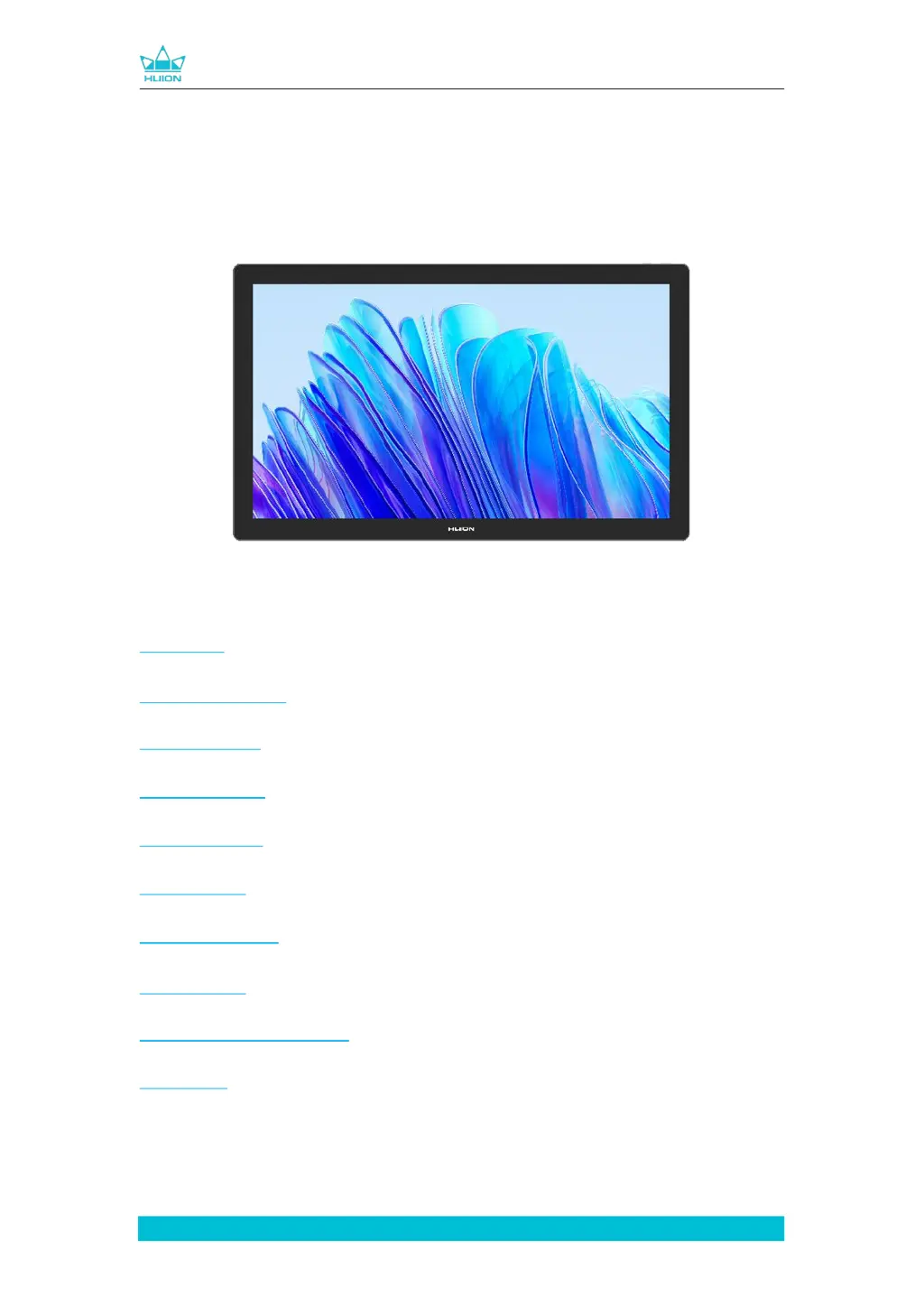
Huion Kamvas Pro 19 - User Manual

Huion Kamvas Pro 19
457 pages
Print Icon
To Next Page IconTo Next Page
Loading...

1
www.huion.com
Kamvas Pro 19
 
ユーザーマニュアル
 

  
 
  
 
󰐑󰗎󰐃󰊶 󰐘󰋅󰊔󰉅󰌎󰐠󰐃󰈉

Table of Contents

Questions and Answers

Summary

Product Introduction

Product Introduction

Introduction to the HUION Kamvas Pro 19 pen display.

Product Overview

Product Overview & Components

Description of the physical components and ports of the Kamvas Pro 19.

Included Accessories

List of items included in the Kamvas Pro 19 package.

Stand Installation and Usage

Instructions for setting up and using the built-in and external stands.

Connection Methods

Connect via 3-in-2 Cable

Step-by-step guide for connecting using the 3-in-2 cable.

Connect via Full-featured USB-C Cable

Step-by-step guide for connecting using the full-featured USB-C cable.

Driver Installation

Windows Driver Installation

Detailed steps and notes for installing the driver on Windows operating systems.

macOS Driver Installation

Detailed steps and notes for installing the driver on macOS.

Linux (Ubuntu) Driver Installation (tar.xz)

Instructions for installing the driver package file in tar.xz format on Ubuntu.

Linux (Ubuntu) Uninstall (tar.xz)

Steps to uninstall the driver package file in tar.xz format on Ubuntu.

Linux (Ubuntu) Driver Installation (deb)

Instructions for installing the driver package file in deb format on Ubuntu.

Linux (Ubuntu) Uninstall (deb)

Steps to uninstall the driver package file in deb format on Ubuntu.

Digital Pen Usage

Pen Handling and Basic Operations

Guide on holding, moving, clicking, and erasing with the digital pen.

Pen Button Functions and Nib Replacement

How to use pen buttons and replace worn pen nibs.

Capacitive Touch Usage

Multi-touch Gestures and Functions

Details on single, two, three, and four-finger gestures for various controls.

Driver Settings and Functions

Driver Interface Overview

Description of the Pen Display, Digital Pen, Store, and Add Programs sections of the driver.

General Driver Settings

Configuration options including device info, backup, general settings, and support.

Pen Display Settings

Working Area Setting

Defining the pen display area mapped to the monitor with three modes: Full Area, Screen Ratio, Custom Area.

Rotate Working Area

Changing the orientation of the pen display for left or right-handed operation.

Pen Display Calibration

Instructions for calibrating the pen display for accurate pen input.

Digital Pen Settings

Press Key Configuration

Configuring the functions of the pen's programmable press keys.

Pen Nib Activity Control

Setting the digital pen nib to be valid or invalid for specific actions.

Windows Ink Enablement

Enabling Windows Ink support for enhanced pen features in applications.

Pressure Sensitivity Adjustment

Adjusting the pen's pressure sensitivity and testing the response curve.

Driver Settings

Device Settings

Viewing device information and adjusting display settings like scene mode and color.

Settings Backup and Restore

Backing up and restoring device settings for easy configuration management.

General Settings

Customizing language, interface color, startup options, and hotkeys.

About Driver

Information about the driver version, license, updates, feedback, and uninstallation.

Pen-enabled OSD Menu

Scene Mode Adjustment

Adjusting brightness, contrast, and saturation using preset or custom scene modes.

Color Temperature Settings

Selecting and customizing color temperature presets (6500K, 7500K, 9300K, USER).

Color Gamut Settings

Choosing and adjusting color spaces like Native, sRGB, Adobe RGB, and DCI-P3.

OSD General Settings

Configuring connection type, screen aspect ratio, and resetting OSD menu settings.

Troubleshooting

Troubleshooting Common Issues

Solutions for common problems with the pen display, pen, and driver functionality.

Huion Kamvas Pro 19 Specifications

General IconGeneral
BrandHuion
ModelKamvas Pro 19
CategoryGraphics Tablet
LanguageEnglish

Related product manuals