3
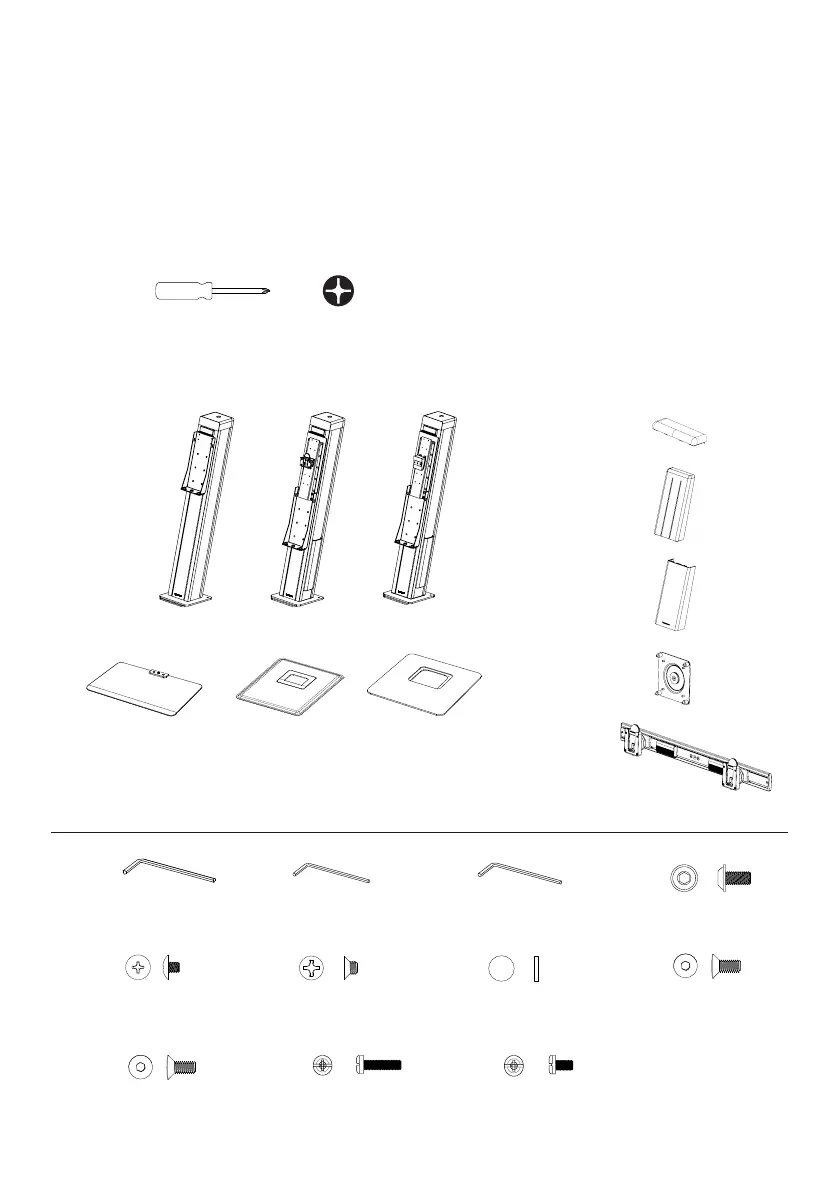
Parts Included
Main Post
Work surface Base
OR
①
①
④
⑦
⑧②
⑤
③
⑥
IMPORTANT SAFETY INSTRUCTIONS
• Use both hands on each side of worksurface when raising and lowering
• Do not raise or lower with open beverages on worksurface
• Avoid any sudden or hard impact on worksurface
• Total weight of the monitors and items on work surface should not exceed 30lbs.
Tools Required
Phillips head screwdriver
Crossbar
(dual monitor conguration only)
Upper cap
(laptop only)
VESA plate (1or2)
Tools included for installation
2.5mm hex key
6mm hex key
Phillips head screw driver
Single monitor Dual monitorBasic
+
Upper cover
Lower cover
Tools included for installation
2.5mm hex key
6mm hex key
Phillips head screw driver
Single monitor Dual monitorBasic
+
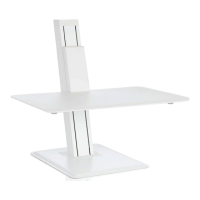
i. laptop version
i. version 1.0 ii. version 1.5
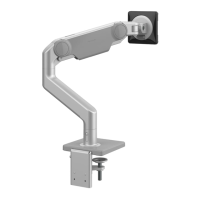
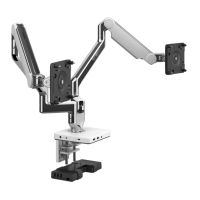
ii. single monitor version iii. dual monitors version
⑨ ⑩
⑬
⑫
⑱
⑮
⑰
⑪
⑯
6mm hex key
2.5mm hex key
3mm hex key
(only with crossbar)
M8x21mm (x2)
M5x3mm (x2)
(only with version 1.5)
M6x6mm (x6)
(only with version 1.0)
M6x17mm
(only with crossbar)
M5x17mm (x2)
(only with crossbar)
M4x18mm (x4)
(VESA hardware kit)
M4x8mm (x4)
(VESA hardware kit)
⑭
Screw cap (x2)
(only with version 1.5)


 To Next Page