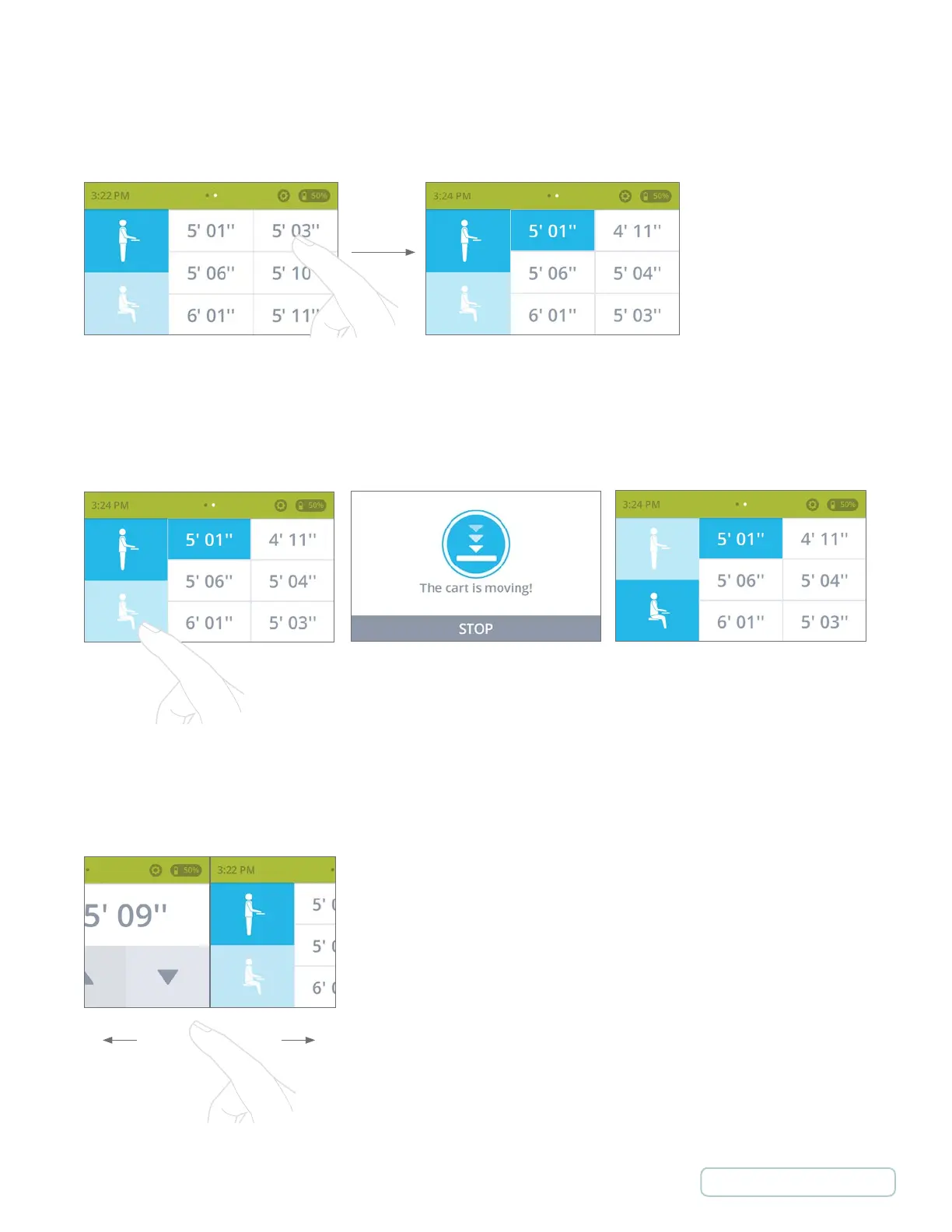
Switching between standing and sitting position using preset
“The cart is moving!” screen is
displayed while cart is changing
between Sitting and Standing mode.
Press
Adjusting Cart Height Using Preset
Changing Cart Height in Standing or Sitting Position
Switching between manual and preset modes
Swipe
23
Return to Table of Contents



 To Next Page