7
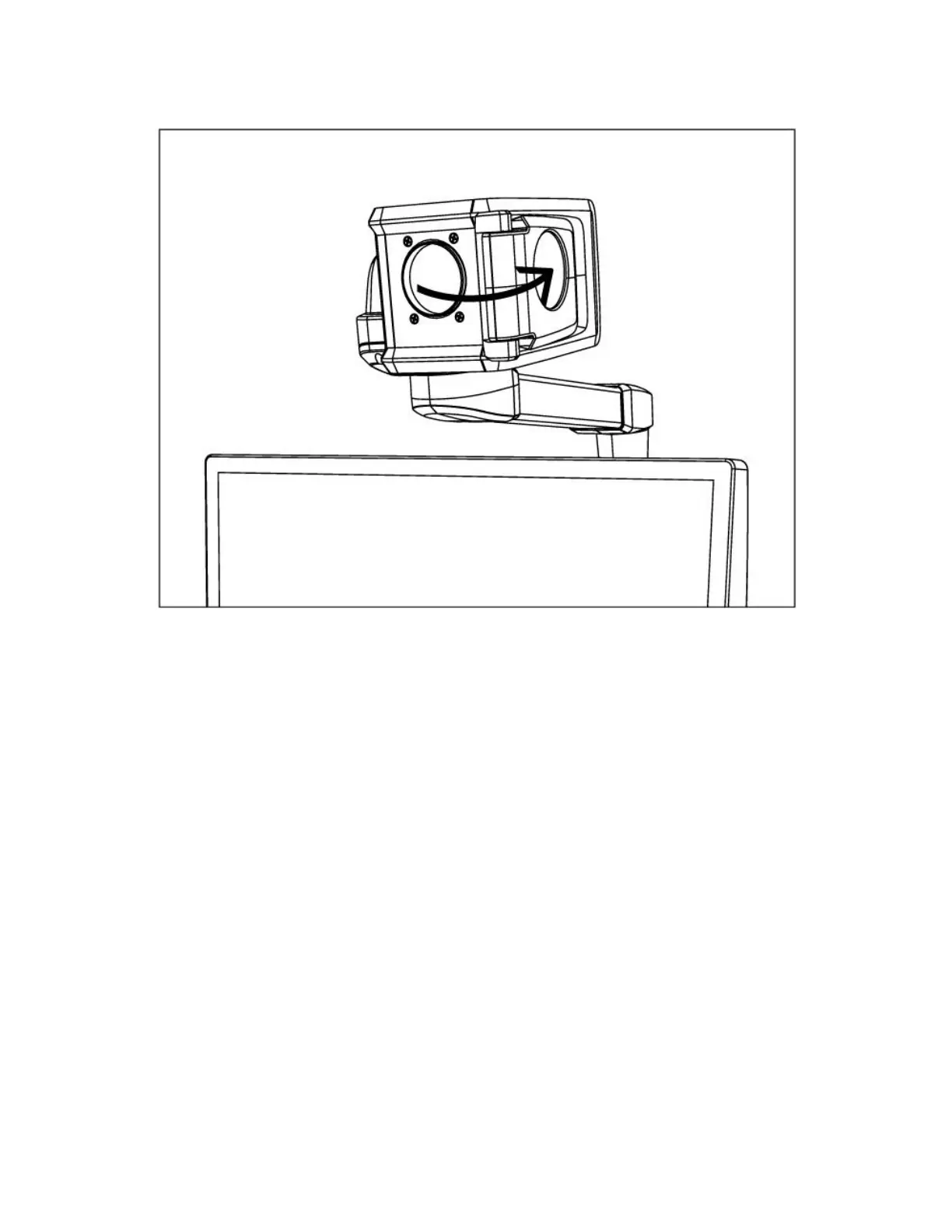
Figure 6: Distance viewing mode: Camera points towards distant object
and Close-up lens is OFF
2.3 Self-viewing mode
To use the SmartView 360 as a mirror, turn the camera
so that it points in your direction when positioned in
front of the screen. The Self-viewing mode is ideal for
shaving, applying makeup, etc. Make sure to use the
Close-up lens.



 To Next Page