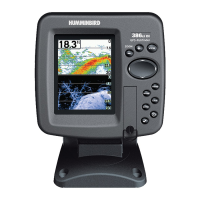
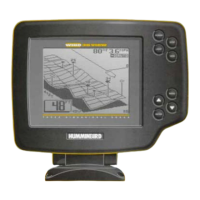
Power On the Unit 1
How Sonar Works 2
DualBeam PLUS™ Sonar .......................................................................................... 4
What’s On the Sonar Display 5
Understanding the Sonar Display ............................................................................ 7
Real Time Sonar (RTS™) Window ............................................................................ 7
SwitchFire™ .............................................................................................................. 8
Freeze Frame and Active Cursor................................................................................ 8
Instant Image Update................................................................................................ 8
Bottom Presentation .................................................................................................. 9
Views 11
Sonar View .............................................................................................................. 13
Sonar Zoom View .................................................................................................... 14
200/83 kHz Split Sonar View .................................................................................. 15
Big Digits View ........................................................................................................ 16
Circular Flasher View .............................................................................................. 17
What’s on the 300 Series™ Control Head 18
Key Functions 19
POWER/LIGHT Key .................................................................................................. 19
VIEW Key ................................................................................................................ 19
MENU Key .............................................................................................................. 20
4-WAY Cursor Control Key ...................................................................................... 20
EXIT Key .................................................................................................................. 21
The Menu System 22
Table of Contents
i


 To Next Page
 Loading...