3
(/) ()
U S B (APEX SOLIX O)
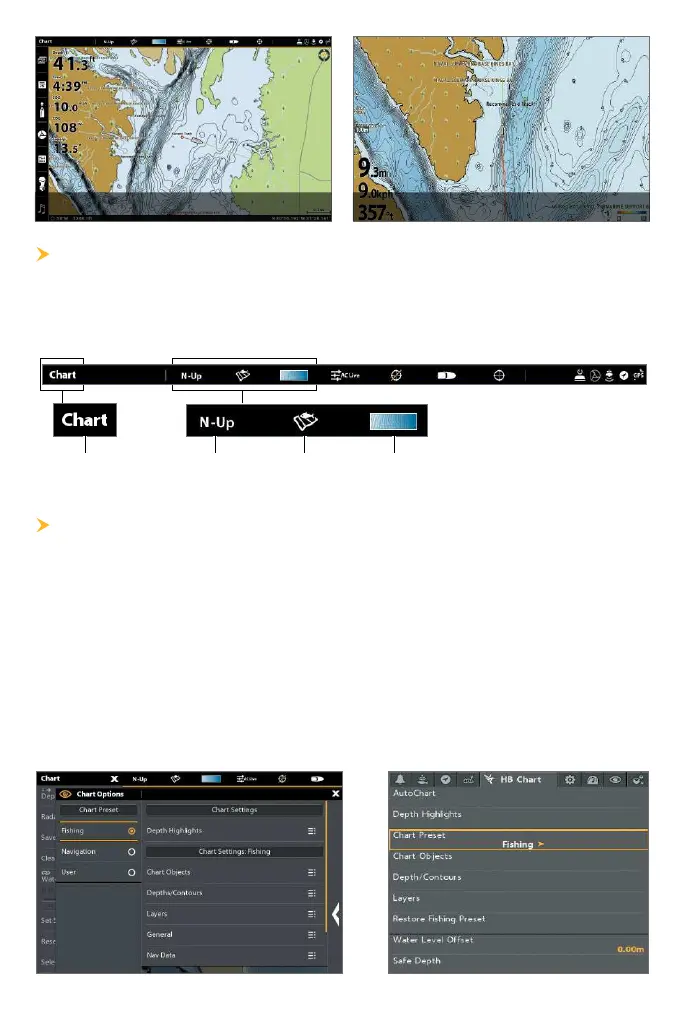
The status bar is located at the top of the screen. It changes to match
the on-screen view. You can tap the icons in the status bar to open and
close a menu or make a selection.
Tap to open the
X-Press Menu
chart
orientation
chart
preset
depth color
palette
S C P
Use Chart Presets to quickly alternate between settings. You can use the
default Fishing or Navigation settings provided, or you can create a
custom User preset with your preferences. The Fishing and Navigation
presets are also fully customizable. You can restore each preset back to
its default settings at any time.
APEX/SOLIX: Chart X-Press Menu > Chart Options > Chart Preset
HELIX: Main Menu
>
HB Chart tab
>
Chart Preset
APEX/SOLIX HELIX











 To Next Page