44043-01 • 02/19/2010
24
3
Operation
Selector Switches
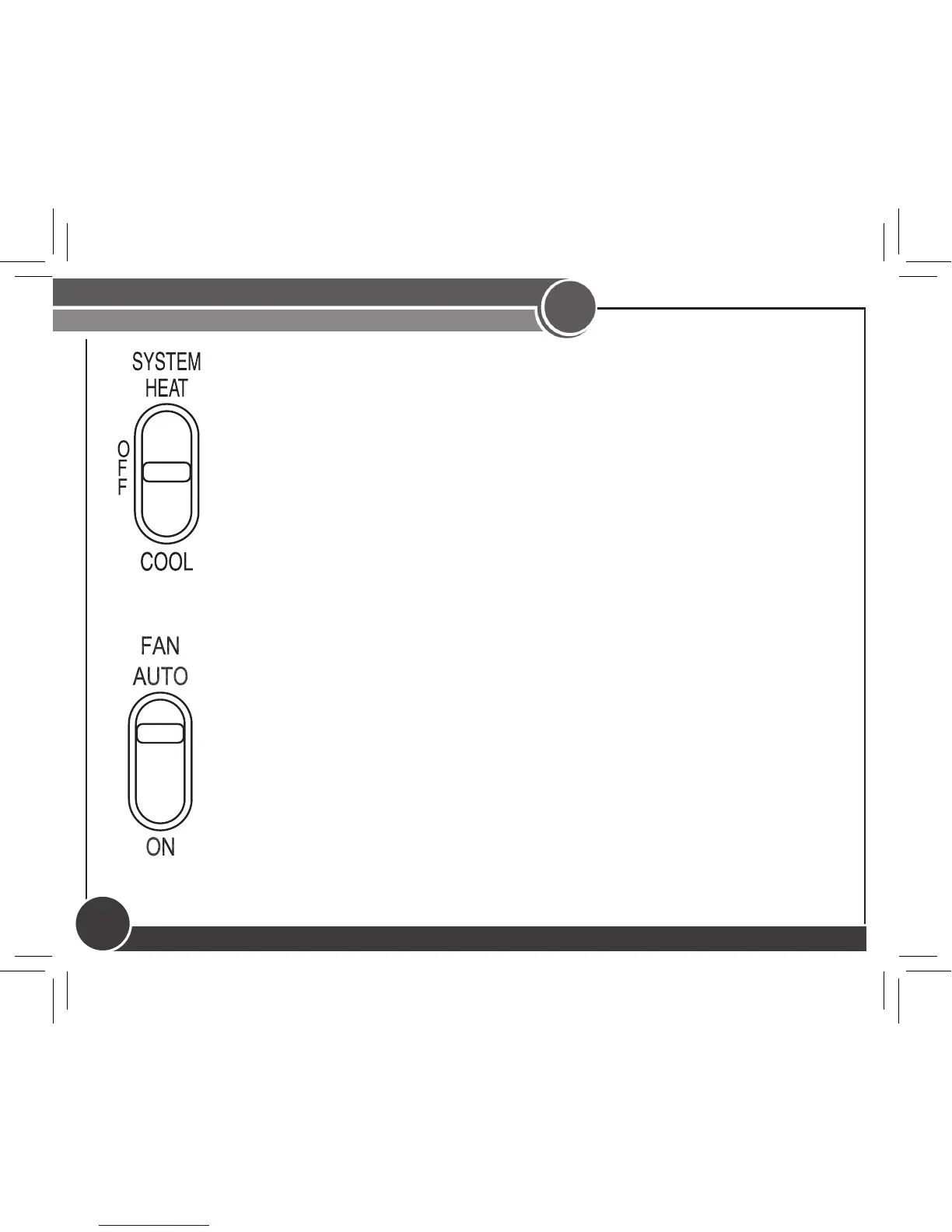
The System Selector switch on the front of the thermostat
determines the operating mode of the thermostat. You may select
COOL, OFF, HEAT.
NOTE: Anytime you install or remove the thermostat from the
wallplate, slide the System Selector to the OFF position to prevent
the possibility of a rapid system On-Off.
The Fan switch should normally be located in the AUTO position.
The Fan will be turned on along with normal operation of your
system. In a normal gas or oil furnace, the Fan will be turned on
by your furnace after its warm-up delay. For electric heat and air
conditioning operation, the Fan will turn on with the system.
To run the Fan on continuously, slide the Fan switch to the ON
position.


 To Next Page