©2010 Hunter Fan Company
27
Operation
3
Span Setting
Your thermostat is set at the factory to cycle at 1°F (0.5°C) above and below
the set temperature. (Span = 2) This setting has been designed to provide a
comfortable room temperature under most all conditions. However, if you nd
your system cycling too fast or too slow, then the Span can be adjusted to modify
the cycle time.
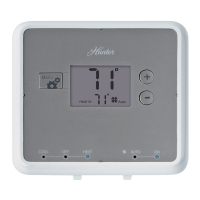
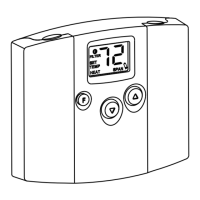
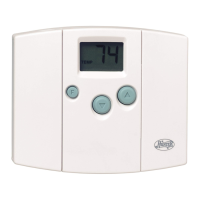
1. Press and hold BOTH for three seconds. The display will ash, and
SPAN will be displayed on the LCD.
2. Press to raise the Span to 3. This setting INCREASES the cycle time
by allowing your system to run LONGER.
3. Press to lower the Span to 1. This setting DECREASES the cycle time
by causing your system to run SHORTER.
The Span settings remain the same for both HEAT and COOL, and can be changed
in any System Switch position.
When batteries are installed in the thermostat, or the Reset key is pressed, the
Span is reset back to setting 2.


 To Next Page