16
16
PROGRAMMING
Option Menu
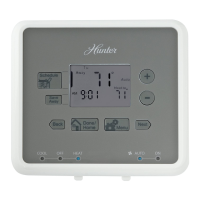
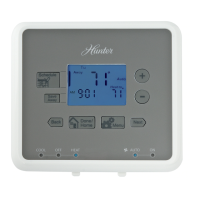
Your thermostat has many settings that can be adjusted to fit your system and preferences.
■
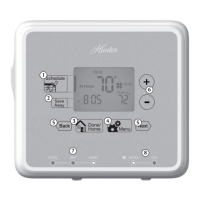
Press to enter the Option Menu and to change to the next option selection.
■
Press at any time to return to normal mode.
Fahrenheit or Celsius (F°/C°) selection
■
or to change the thermostat display between
Fahrenheit and Celsius.
12 Hr or 24 Hr. Clock selection
■
or to change the time format display between
12 hour (AM / PM) and 24 hour (military).
option
ret-clear
option
1
option
2
Temp
Clock
41652_model44760_web.pmd
17
Stage 1 SPAN selection
■
or to change the SPAN setting to 1, 2, or 3. The
factory setting is 2. Setting 1 will cause shorter cycle times. Setting 3
will cause longer cycle times.
Auto Recovery selection
■ or to enable “YES” or disable “NO” the Auto
Recovery Mode. The factory setting is “YES.”
■ To change between Heat or Cool recovery modes.
NOTE:
Auto Recovery is one of the ENERGY STAR
®
features of this thermostat. Refer to the Auto Recovery section on
pages 45-46 for more information.
LCD Contrast adjustment
■ or to change the LCD contrast between 0 and 9.
Lower numbers lighten the display. Higher numbers darken the display.
The factory setting is 5.
option
3
Span Stg1
system
option
4
Recovery
System
option
5
LCD


 To Next Page