EasyManua.ls Logo

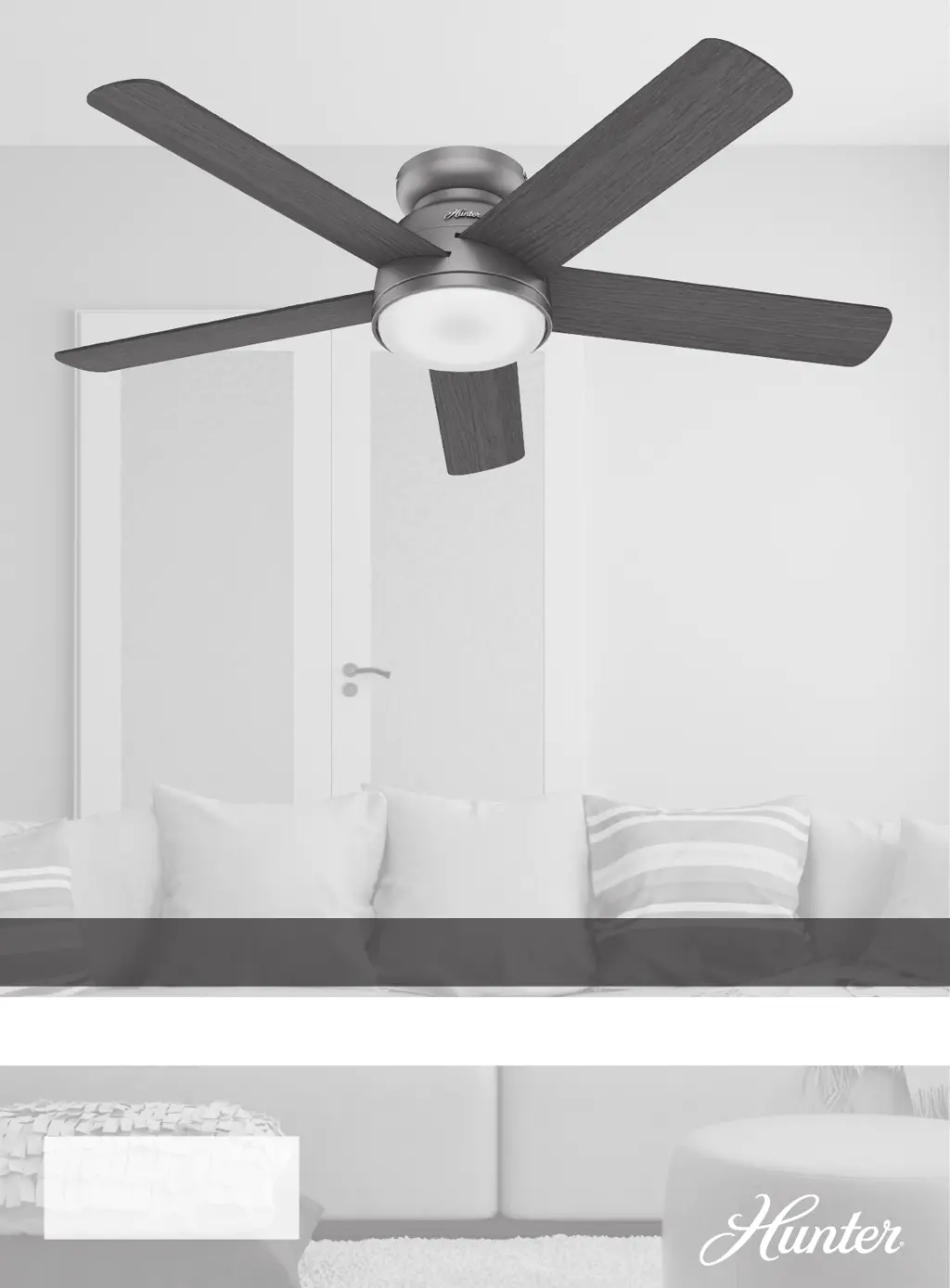
Hunter Romulus Series - User Manual

Hunter Romulus Series
10 pages
Print Icon
To Next Page IconTo Next Page
Loading...
Installation Manual
©2018 Hunter Fan Co.
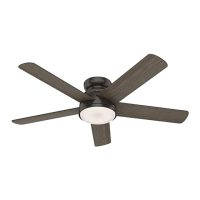
Model: 59481 Fresh White
59482 Noble Bronze
59483 Matte Silver
Fan weight ±2 lbs: 24.9 lbs (11.3 kg)
Romulus
PG3723 r112118

Questions and Answers

  • R
    Robert WilliamsJul 28, 2025
    What to do if my Hunter Romulus is wobbling excessively?
    • B
      Briana CurtisJul 28, 2025
      If your Hunter Fan wobbles excessively, try the following: 1. Ensure the blades are properly installed on the blade iron posts. 2. Turn the power off, carefully support the fan, and check that the hanger ball is properly seated. 3. Use the provided balancing kit and instructions to balance the fan.
  • W
    williamrayAug 5, 2025
    What to do if my Hunter Romulus Fan remote control is erratic?
    • S
      Samantha AshleyAug 5, 2025
      If you are experiencing erratic remote control operation with your Hunter Fan, you can try these steps: Reset the Wi-Fi module by removing the battery door and holding the reset button for 5 seconds until the fan and light LEDs flash. Also, make sure the battery is installed correctly and consider installing a fresh battery.
  • M
    macdonaldchristineAug 12, 2025
    How to fix Hunter Romulus Fan when remote only works close to fan?
    • A
      Ashley RodriguezAug 12, 2025
      If your Hunter Fan's remote control only works when close to the fan, make sure the power switch is on. You should also change the battery. Another thing to check is the motor reversing switch; push it firmly left or right to ensure that it is engaged.
  • R
    ramirezwendySep 10, 2025
    What to do if I have multiple remote issues with my Hunter Romulus?
    • D
      David StewartSep 12, 2025
      To address multiple remote issues with your Hunter Fan, check the plug connection in the switch housing. If you have multiple remotes or remote-controlled fans installed on the same circuit breaker and are experiencing interference, visit www.HunterFan.com/FAQs and click “How do I properly install multiple remote-controlled fans?” for guidance.

Summary

Safety Instructions and Warnings

Read and Save Instructions

Crucial safety directive for users to read and keep the manual.

General Safety Warnings

Essential safety precautions regarding electrical shock, injury, and proper mounting.

Important Cautions

Guidelines for wiring compliance and using only Hunter replacement parts.

Ceiling Bracket Installation

Hanging the Fan

Safe Fan Handling and Hanging

Lift fan by housing, hang on mounting plate hook to prevent damage.

Wiring the Fan

Wire Nut Connection Guide

Step-by-step guide on using wire nuts for secure connections.

Single Switch Wiring Diagram

How to connect fan wires to ceiling wires for a single switch setup.

Dual Switch Wiring Diagram

How to connect fan wires to ceiling wires for a dual switch setup.

Electrical Code Compliance

Emphasizes adherence to national and local electrical codes for safety.

Installing the Fan Body

Securing Fan to Canopy

Aligning fan slots with canopy screws and tightening for secure fit.

Fan Fall Hazard Warning

Crucial warning to ensure the canopy is securely fastened to prevent falls.

Installing the Fan Blades

Assembling the Light Kit

Wire Connections

Connecting LED assembly wires and fan wires for light operation.

Light Fixture Securement Warning

Ensure all screws are tight for light fixture safety.

Installing the Glass Shade

Securing the Glass Shade

Attaching the glass by lifting and turning clockwise.

Glass Fall Hazard Warning

Critical warning to prevent serious injury or death from falling glass.

Troubleshooting Common Issues

Limited Lifetime Warranty

Hunter Romulus Series Specifications

General IconGeneral
BrandHunter
ModelRomulus Series
CategoryFan
LanguageEnglish

Related product manuals