19
Troubleshooting
Problem Window covering does not open or close fully
or has an intermediate stop that is no longer
wanted.
Solution Make sure the movement of the window covering is
not obstructed.
Reset the window covering as described in
“Resetting a Window Covering” on page 20.
Problem Cannot add window covering to group.
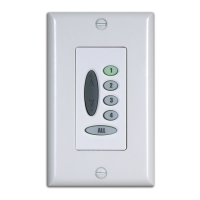
Solution The wireless wall switch cannot operate older
window coverings set to work on Infrared (IR)
Channel 2. Make sure your window covering is
set to Infrared (IR) Channel 1 before attempting to
assign agroup.
Make sure that there is power to the window
covering. Use the manual control button to
operate the window covering and make sure it is
functioning correctly.
Problem Cannot set intermediate stop with wall switch.
Solution Window coverings built before May2010 cannot
set an intermediate stop position using the
Platinum
™
wall switch. For information about
how to set an intermediate stop on these window
coverings, refer to the Installation, Operation, and
Care instructions for the window covering.


 To Next Page