UltraScan PRO Supplemental Manual for EasyMatch QC Ver. 2.0
33
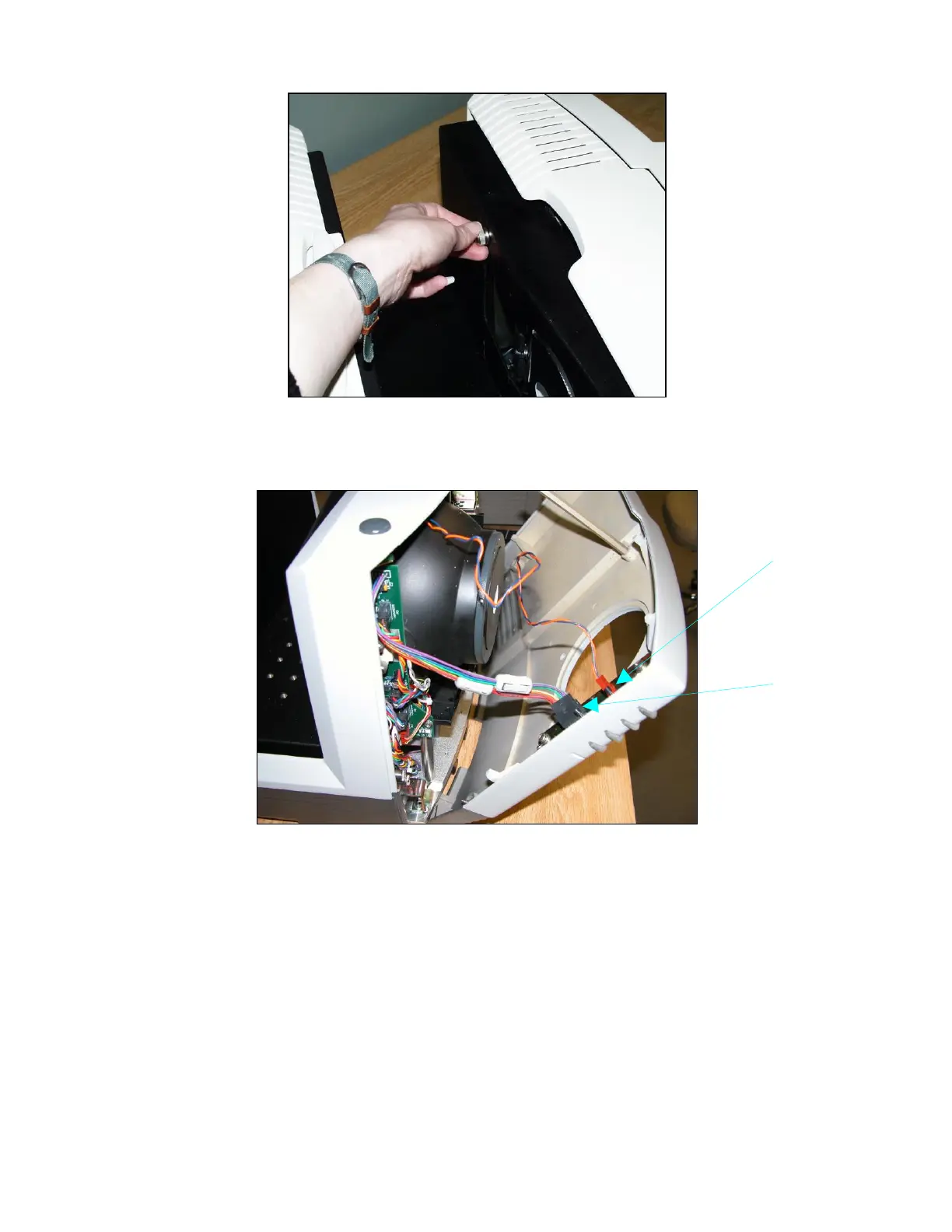
Figure 45. Inside Thumb Screw
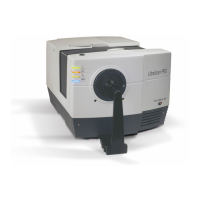
6. Remove the front cover from the instrument and unplug the harnesses which connect the
indicator lights and the macro button to the front cover.
Figure 46. Front Cover Removal
7. Remove the view lamp assembly and replace it with a new one. Be sure not to touch the
bulb of the lamp as fingerprints reduce lamp efficiency. If a fingerprint is deposited, remove
it using a clean wipe and isopropyl alcohol.


 To Next Page