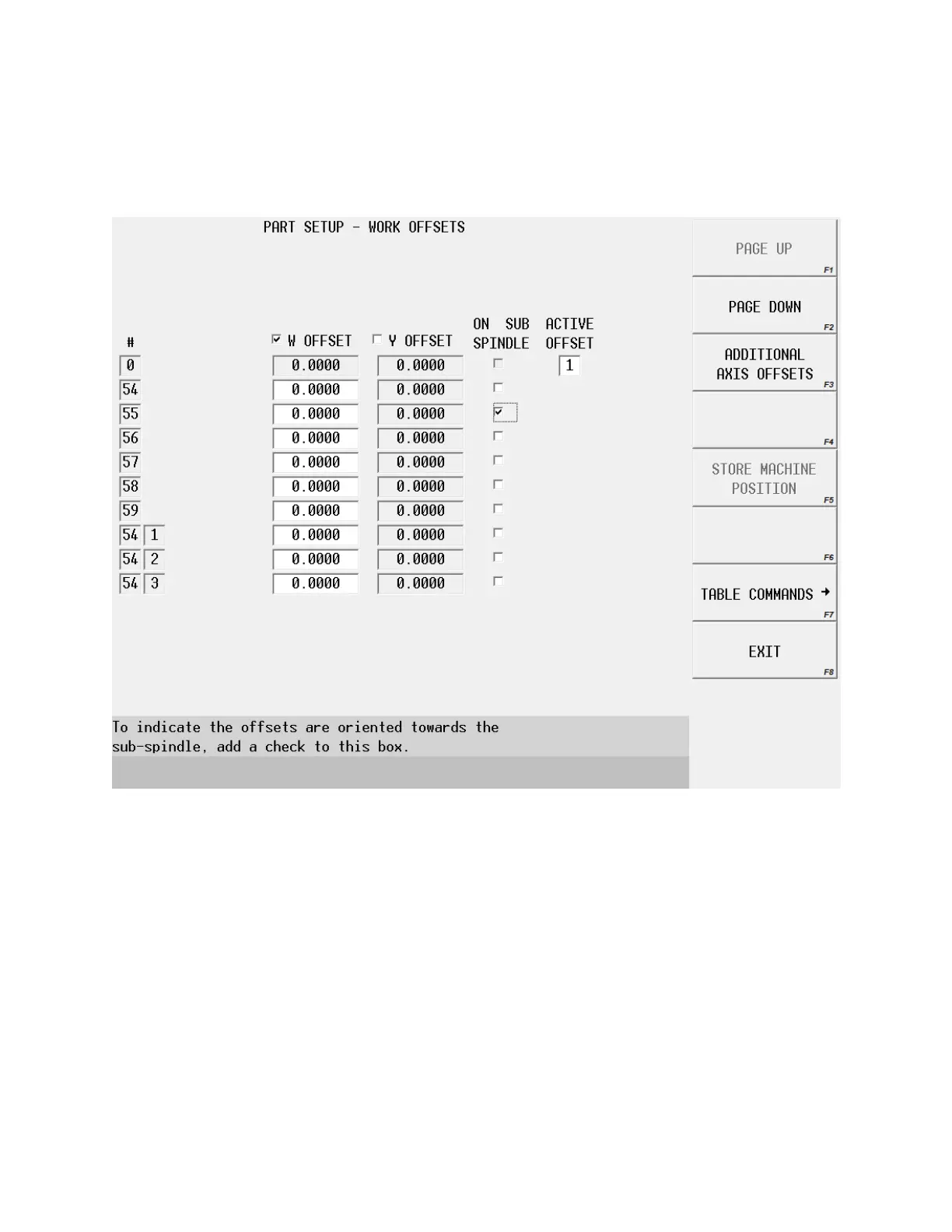
On the last screen press additional offsets, this page with
the “W” axis will become available.
The check box for the “W” offset will need to be selected, and then the machine
can jog to the front of the part and the position can be stored.
The spindle can then be jogged to a safe position and an offset can be stored for
the position of the “W” offset relative to the second offset. This position is
normally around 2 inches in front of the limit.
When the machine is setup this way it is very easy to program the transfer
because any move positive will be in front of the part, and any move negative will
be onto the part.



 To Next Page