P/N 9FQ-6-P110-075-00_B 1-5
HUSSMANN CORPORATION • BRIDGETON, MO 63044-2483 U.S.A.
Open Vertical Merchandisers
MODEL DESCRIPTION
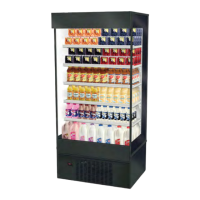
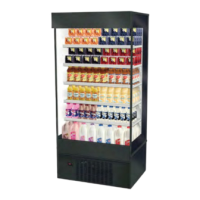
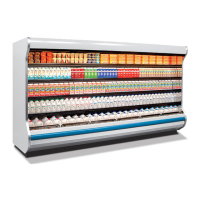
The MDN models are open, vertical, medium
temperature display merchandisers. They are
self contained merchandisers with their own
condensing unit. Each self contained model
has a condensing unit that is factory installed
beneath the display area of the case. The unit
is ready for operation when electrical service
is connected. See Section 2 for electrical
information before starting the case.
UNLOADING
Unloading from Trailer:
Lever Bar (also known as a Mule, Johnson
Bar, J-bar, Lever Dolly, or Pry Lever) Move
the merchandiser as close as possible to its
permanent location and remove all packaging.
Check for damage before discarding packaging.
Remove all separately packed accessories
such as kits and shelves. Improper handling
may cause damage to the merchandiser when
unloading. To avoid damage:
1. Do not drag the merchandiser out of the
trailer. Use a Johnson bar (mule).
2. Use a forklift or dolly to remove the
merchandiser from the trailer.
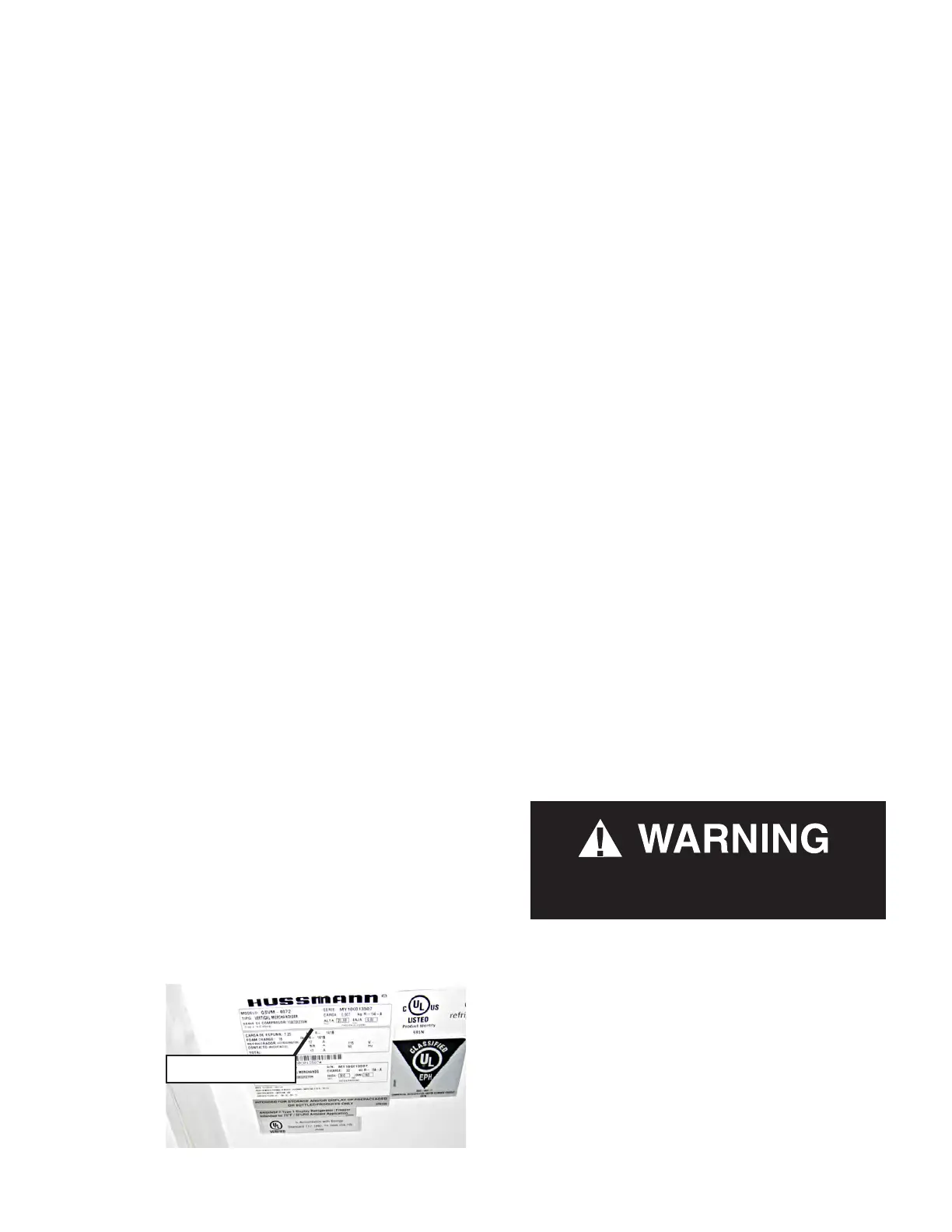
SERIAL PLATE LOCATION
The serial plate is located at the interior top
left end. It contains all pertinent information
such as model, serial number, amperage rating,
refrigerant type and charge.
EXTERIOR LOADING
Do NOT walk on top of merchandisers or
damage to the merchandisers and serious
personal injury could occur. Merchandisers are
not structurally designed to support excessive
external loading
such as the weight of a person.
Do not place heavy objects or flammable
materials on the merchandiser.
SHIPPING SKID
Each merchandiser is shipped on a skid to
protect the merchandiser’s base, and to make
positioning the case easier. Remove the top of
the crate, and detach walls from each other.
Lift crate from the skid. Unscrew the case
from the skid. The fixture can now be lifted
off the crate skid. Lift only at base of skid!
Remove any attached braces and/or skids.
DO NOT TILT MERCHANDISER ON ITS
SIDE OR END WHEN REMOVING SKID.
The case is equipped with casters for ease of
installation and transportation inside store.
Check floor where cases are to be set to see if
it is a level area. Determine the highest part of
the floor.
THERMOMETER
The cabinet has a “pencil” type thermometer
and reads from -40º F to 120º F / -40º F to 50º F
on 2º increments. The thermometer is located
in the packout kit inside of the merchandiser.
It should be placed and left inside the bottom
front interior compartment during normal
operation of the merchandiser.
Serial Plate
Do NOT remove shipping crate until the
merchandiser is positioned for installation.



 To Next Page