EasyManua.ls Logo

Huvitz HOCT-1F/1 - User Manual

Huvitz HOCT-1F/1
108 pages
Print Icon
To Next Page IconTo Next Page
Loading...
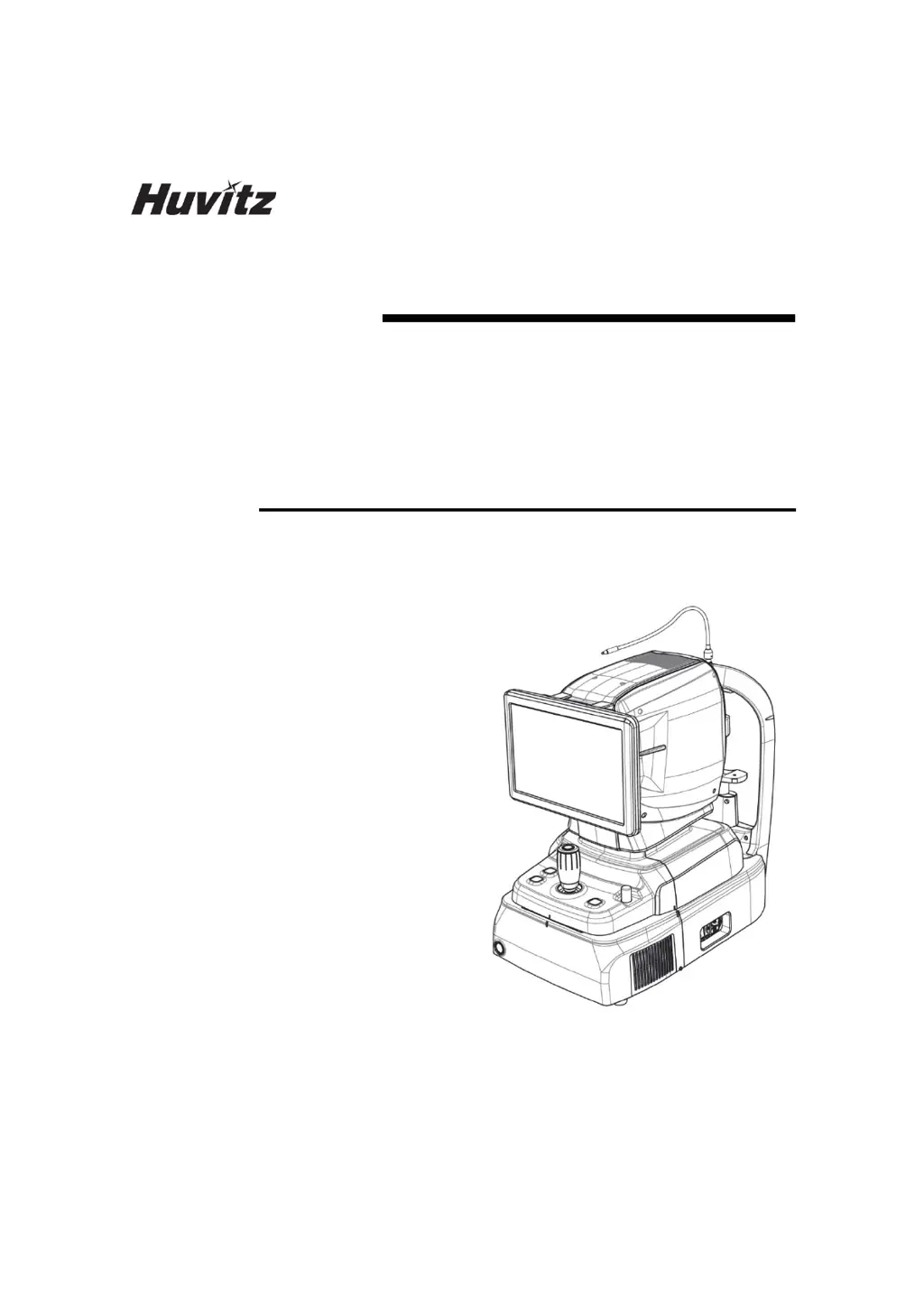
OPTICAL COHERENCE
TOMOGRAPHY
HOCT-1F/1
USER MANUAL

Other manuals for Huvitz HOCT-1F/1

Questions and Answers

  • P
    Paul WhiteAug 4, 2025
    What to do if captured image is dark on Huvitz HOCT-1F/1 Medical Equipment?
    • E
      Elizabeth ClarkAug 4, 2025
      If the captured image from your Huvitz Medical Equipment appears dark, it could be due to a couple of reasons. First, ensure that the alignment and focus on the anterior eye front are properly adjusted by manipulating the joystick to align the working dot to the center of the target mark. Second, the amount of light for image capture may not be sufficient, so try increasing the flash intensity.
  • M
    morganmillerAug 9, 2025
    Why is the captured image quality low on Huvitz HOCT-1F/1?
    • A
      Andrea FrenchAug 9, 2025
      If the quality of the captured image from your Huvitz Medical Equipment is low, it may be because the objective lens or the lens of the Anterior segment adapter is contaminated, so perform the cleaning. Another potential reason is that the patient’s eyelid or eyelashes may be interfering with image capture. In this case, ask the patient to open their eyes wider or, carefully lift the patient’s lid, ensuring not to press against the eyeballs.
  • R
    Richard WilsonAug 14, 2025
    How to fix the screen if it does not turn on for Huvitz HOCT-1F/1?
    • K
      Kristin BarronAug 14, 2025
      If the screen of your Huvitz Medical Equipment does not turn on, start by checking the connection of the power cable. Also, ensure that the power switch is turned on.
  • J
    Judith AndrewsAug 19, 2025
    What to do if Huvitz HOCT-1F/1 cannot capture the intended part image?
    • J
      John WaltersAug 19, 2025
      If the image of the intended part cannot be captured with your Huvitz Medical Equipment, first, ensure that the patient is looking at the fixation target at the time of image capture by instructing them to focus on it. If that’s not the issue, the intended part may be outside the range for image captures, in which case you should insert a compensation lens.
  • M
    Mrs. Courtney BrownAug 25, 2025
    What to do if Huvitz HOCT-1F/1 Medical Equipment screen doesn't turn on but system power is on?
    • C
      Clinton ReevesAug 25, 2025
      If the screen of your Huvitz Medical Equipment does not turn on even though the system power is on, the system may be in sleep mode. Restore the system from sleep mode by touching the screen.
  • E
    Emily KingAug 29, 2025
    Why is the internal fixation target blurred on Huvitz HOCT-1F/1 Medical Equipment?
    • J
      John DawsonAug 29, 2025
      If the internal fixation target of your Huvitz Medical Equipment is blurred, it might be due to the presence of a compensation lens. Remove the compensation lens to resolve this issue.

Summary

Safety Precautions

Overview of Safety

General introduction to safety precautions and their importance for device operation.

Symbol Information and Usage Precautions

Usage Precautions

Guidelines for safe operation and handling of the device.

Environmental Considerations

Recommendations for operating and storage environments.

Introduction to the HOCT-1 F;1

System Outline

Description of the device's purpose and capabilities.

Intended Use

Specifies the diagnostic applications of the HOCT-1F/1.

Operating Principles

Explains how the device captures images and forms tomograms.

System Overview and Screen Descriptions

Configuration and Functions

Detailed description of the device's components and their functions.

Main Body Screen Description

Overview of the device's main operational screen interface.

Installation Procedure

System Installation Steps

Step-by-step guide for installing the system.

Device Operation

Software Operation

Steps for logging in and managing patient data via software.

Setup Mode Configuration

Configuration options for system, patient, measure, scan, and analysis.

General Operation Procedures

Procedures for general operation and setting up the environment.

Troubleshooting Guide

Specifications and Accessories

Standard Accessories

List of standard accessories included with the device.

Technical Specifications

Technical specifications of the OCT and Fundus Camera.

EMC Information

Service Information

Software License Agreements

Huvitz HOCT-1F/1 Specifications

General IconGeneral
BrandHuvitz
ModelHOCT-1F/1
CategoryMedical Equipment
LanguageEnglish

Related product manuals