A. MAKING CALLS
1
A. MAKING CALLS
A.01 Inter Office Call (Intercom)
An Intercom is for an Extension to call another Extension of the same system.
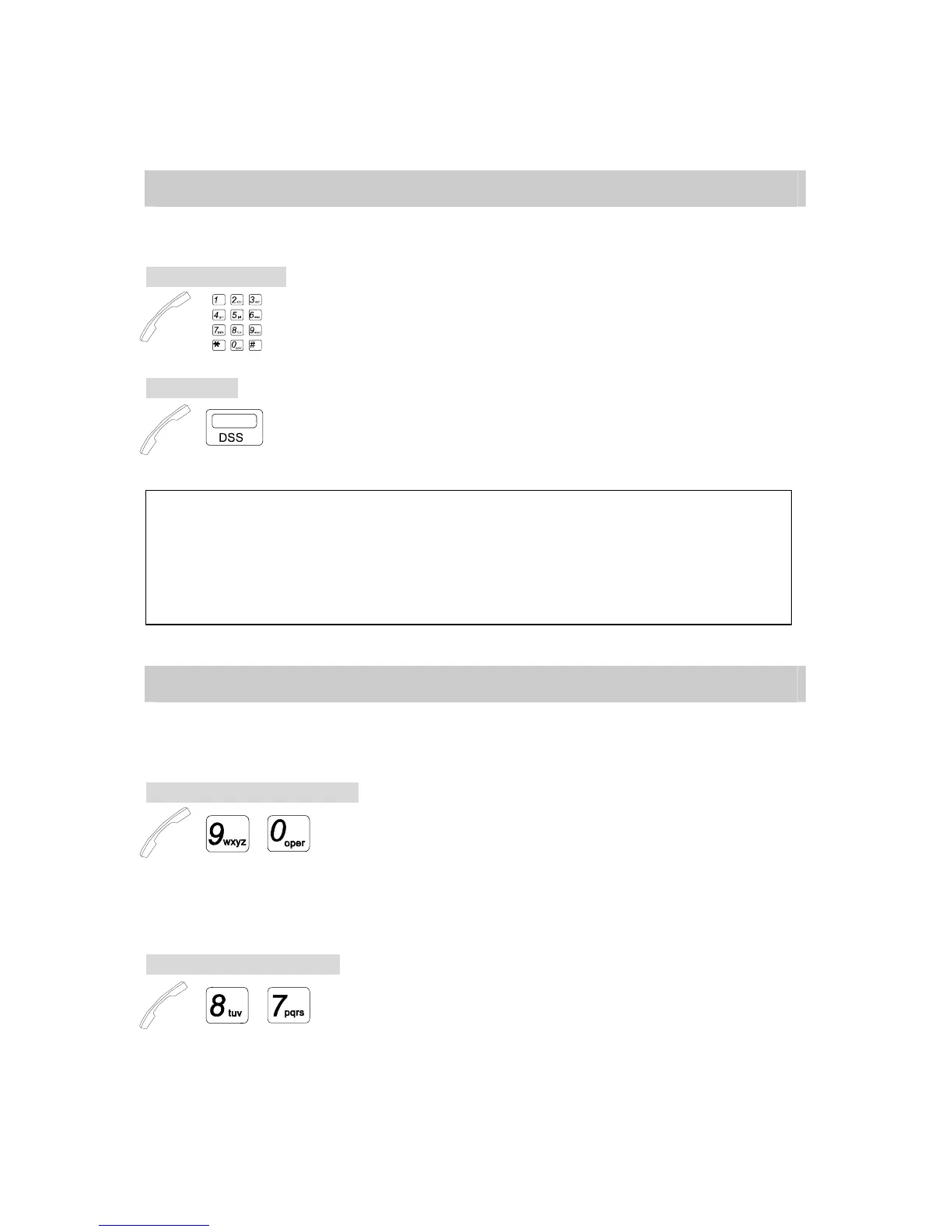
By Dialing number:
→ . Lift Handset or press [SPK] key.
. Dial Extension number.
By DSS key:
→ . Lift Handset or press [SPK] key.
. Press a programmed DSS key
Note: 1. Extension number of the calling party will display on the LCD of the called extension.
2. To ring the called extension, you may change signaling from Ring Signal to Voice Alert or Voice
Alert to Ring Signal by pressing [3].
3. If the system is programmed for Voice Alert, after Alert Tone is heard, speak to the called party
through Speaker, and your voice will be heard from the called extension.
4. When the called extension is busy (Busy Tone heard,) pressing another DSS key can call another
extension.
A.02 Automatic Line Access (Trunk Group Access)
The feature allows each Extension to automatically select an idle CO Line. If CO lines are
divided into trunk groups, Extensions can only select in their own group.
Dial 9/0 Trunk Group Access:
→ / . Handset off hook / on hook.
. Dial [9] or [0]. (programmable)
* Dial tone from CO (Central Office) is heard.
* The CO LED goes steady at your Extension and at other Extensions.
Extra Trunk Group Access: (Programming Required)
→ , , . Lift Handset or press [SPK] key.
. Dial [8],[7].
* Dial tone from CO (Central Office) is heard.


 To Next Page