22 F .OTHER FEATURES
F.05 Voice Mail Operation – G1E/GDS Systems
If your system is equipped with the optional inbuilt Voice mail unit and your handset has been
allocated Voice Mail Usage then you can Call forward your phone to the mail box in the same
way that you can Call Forward to other extensions. The Call Forward instructions can be found
elsewhere in this manual. The Call forward number for inbuilt Voice mail is 86.
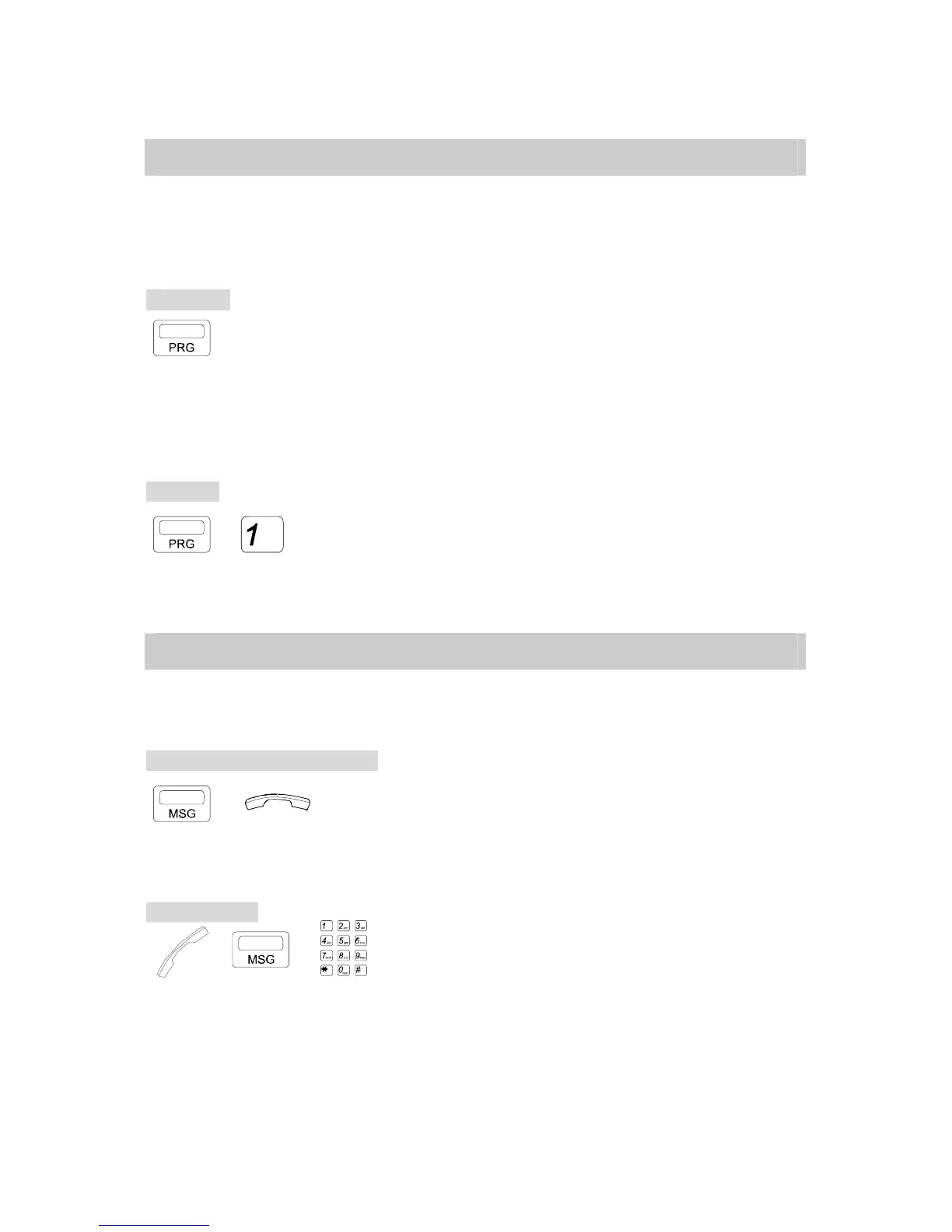
To forward:
→ CODE. → Ext. No. . Press [PRG] key.
. Dial [1] for Any Call,
[2] for Busy,
[3] for Busy/No Answer. (GDS)
[3], [1] for Busy/No Answer. (G1E)
[2] for No Answer.
. Dial 86 for Voice mail
To cancel:
→ → Ext. No. . Press [PRG] key.
. Dial [1].
. Dial your own Extension number.
F.06 Message Waiting (Programming Maybe Required)
If the Extension you're calling does not answer, this feature allows you to light the extension’s
message light.
If the extension does not answer:
→ . Press [MSG] key.
. Hang up.
* The called extension’s [MSG] lamp will flash.
To retrieve call:
→ / . Lift handset
. Press [MSG] or dial [7] [6].



 To Next Page