EasyManua.ls Logo

Hycontrol MICROFLEX-D Series - User Manual

Hycontrol MICROFLEX-D Series
10 pages
Print Icon
To Next Page IconTo Next Page
Loading...
Issue 1 March 2017
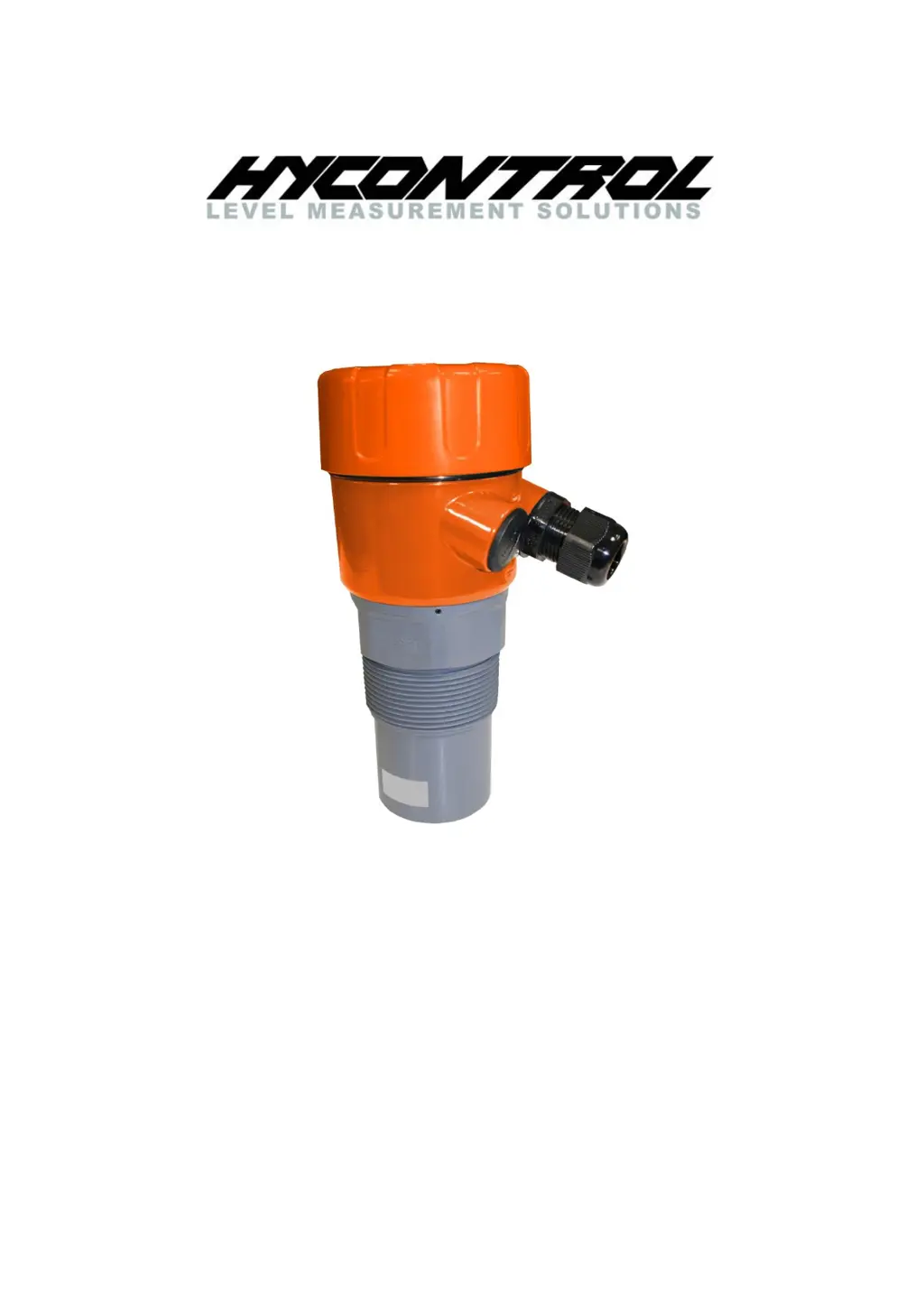
MICROFLEX D
ULTRASONIC LEVEL TRANSMITTER
USER MANUAL
Hycontrol Ltd, Larchwood House, Orchard Street,
Redditch, Worcestershire, UK. B98 7DP
Tel: +44 (0)1527 406800 Fax: +44 (0) 1527 406810
Email: sales@hycontrol.com Web: www.hycontrol.com
Company registered in England No: 1755684

Questions and Answers

  • S
    summerbutlerAug 4, 2025
    What to do if my Hycontrol MICROFLEX-D is displaying incorrect distance?
    • M
      Michelle MirandaAug 4, 2025
      First, confirm the display mode is suitable, noting that distance is measured from the sensor face to the measured level, while material is measured from Low-Level to the measured level. If the unit measures too deep, increase Sensitivity. If it continues to measure too deep, increase WaveBoost. If the unit measures too high, reduce Sensitivity and ensure WaveBoost is set to 0. Finally, check if material is present to be measured, as the unit will output and display a FailSafe reading if it cannot detect a level within range.
  • J
    Jeremy EdwardsAug 11, 2025
    Why is my Hycontrol MICROFLEX-D locked up with a flat line measurement?
    • J
      Justin DeckerAug 11, 2025
      The unit may go to failsafe if there is no flat level available, so confirm there is material within the measurement range. If locked to a high level, perform Mapping for distance beyond false echoes. If locked higher than the real level, check for objects interfering with the transit pulse (like ladders or cross beams), and try lowering the Sensitivity/WaveBoost or relocating the installation. If locked lower than the real level, confirm the application is not within Blanking distance. Increase Sensitivity/WaveBoost until the unit measures the correct level. Also, the Tracking speed may be too slow for the application, so increase it.
  • S
    seansmithAug 16, 2025
    Why is the analogue trend erratic or unstable on my Hycontrol Transmitter?
    • M
      Mark RobersonAug 16, 2025
      To stabilize erratic or unstable analogue trends, try the following: increase the Damping value for smoother trends; choose a slower Tracking speed; check there are no objects interfering with the transit pulse in the application, such as ladders and cross beams.
  • R
    Rebecca FloresAug 22, 2025
    What to do if PLC indication does not match measurement on Hycontrol MICROFLEX-D?
    • C
      Carrie MooreAug 22, 2025
      If the PLC indication doesn't match the measurement, connect a Multimeter in series with the powered loop and compare the 'mA' diagnostic on the display with the mA reading on the loop, ensuring it does not exceed specification. Also, confirm that High-Level and Low-Level are set to the same values in both MiniWave and the control system.
  • A
    Austin BriggsAug 28, 2025
    How to fix AutoSet fails on Hycontrol MICROFLEX-D?
    • M
      Marissa ChandlerAug 28, 2025
      If AutoSet fails, try the following: increase the Sensitivity to a higher value; allow the unit to run for a longer time (one minute) and re-attempt the AutoSet; increase WaveBoost and re-attempt the AutoSet; set High- and Low-Level manually in the Setup menu. If problems persist, install a replacement Microflex-D in the application, and bench test the problem unit in a controlled environment. Difficult applications may require the use of different level measurement technology; consult a Hycontrol engineer in order to find the most appropriate solution for your requirements.

Summary

Introduction

Application

Describes general use cases and suitability of the Microflex-D transmitter.

Operation principle

Explains the ultrasonic 'time-of-flight' measurement method.

Model Types

Dimensions

Flange Dimensions

Details specifications and dimensions for the 2" ANSI Polypropylene Flange.

Wiring Diagram

Installation Guide

Mounting Procedures

Provides guidelines and examples for correct and incorrect mounting positions.

Powering the Unit

User Interface

Software Commissioning

Main Menu Navigation

Explains access to the main menu for configuration.

Setup Parameters

Details parameters for display mode, units, levels, damping, and failsafe.

Autoset Function

Advanced Settings

HART Command List

Troubleshooting Guide

Incorrect Distance Display

Addresses issues with inaccurate distance readings and potential causes.

Erratic Analogue Trend

Provides solutions for unstable analog output signals.

Locked Up or Flat Line Measurement

Helps resolve unresponsive unit or fixed reading issues.

PLC Reading Mismatch

Guides on troubleshooting discrepancies between PLC and unit readings.

Autoset Failure Resolution

Offers steps to resolve failures in the AutoSet configuration process.

Accessories

Technical Specifications

Hycontrol MICROFLEX-D Series Specifications

General IconGeneral
BrandHycontrol
ModelMICROFLEX-D Series
CategoryTransmitter
LanguageEnglish