-
6
-
Buttons on operation panel:
Up/Down Button
It is active on any mode. Priority is always given to Manual mode. For UP and Down, priority’s
given to UP. In case HF gets problem, it’s always on UP mode, so the Down doesn’t work.
Auto Button
Press the AUTO button, THC is always on Auto Mode, no matter there is a auto signal from
outside or not. During cutting, THC needs to work on Auto Mode and it should be controlled
by CNC, having nothing to do with this Auto button.
If at alarming or abnormal status, it appears the “D” and “C” lights on, then could press this
“Auto” button to recover it.
Height
It is used to adjust cutting torch height during Auto Mode. Height increases when it is turned
clockwise. At the first commissioning, turn clockwise maximum to reach the highest height.
Sensitive
On Auto Mode, the Sensitive increases when it is turned clockwise.
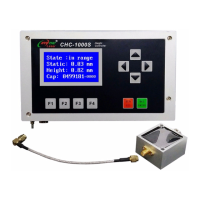
Sensor ring Port
One end of HF Cable link with the socket, the other end link with the sensor ring groupware
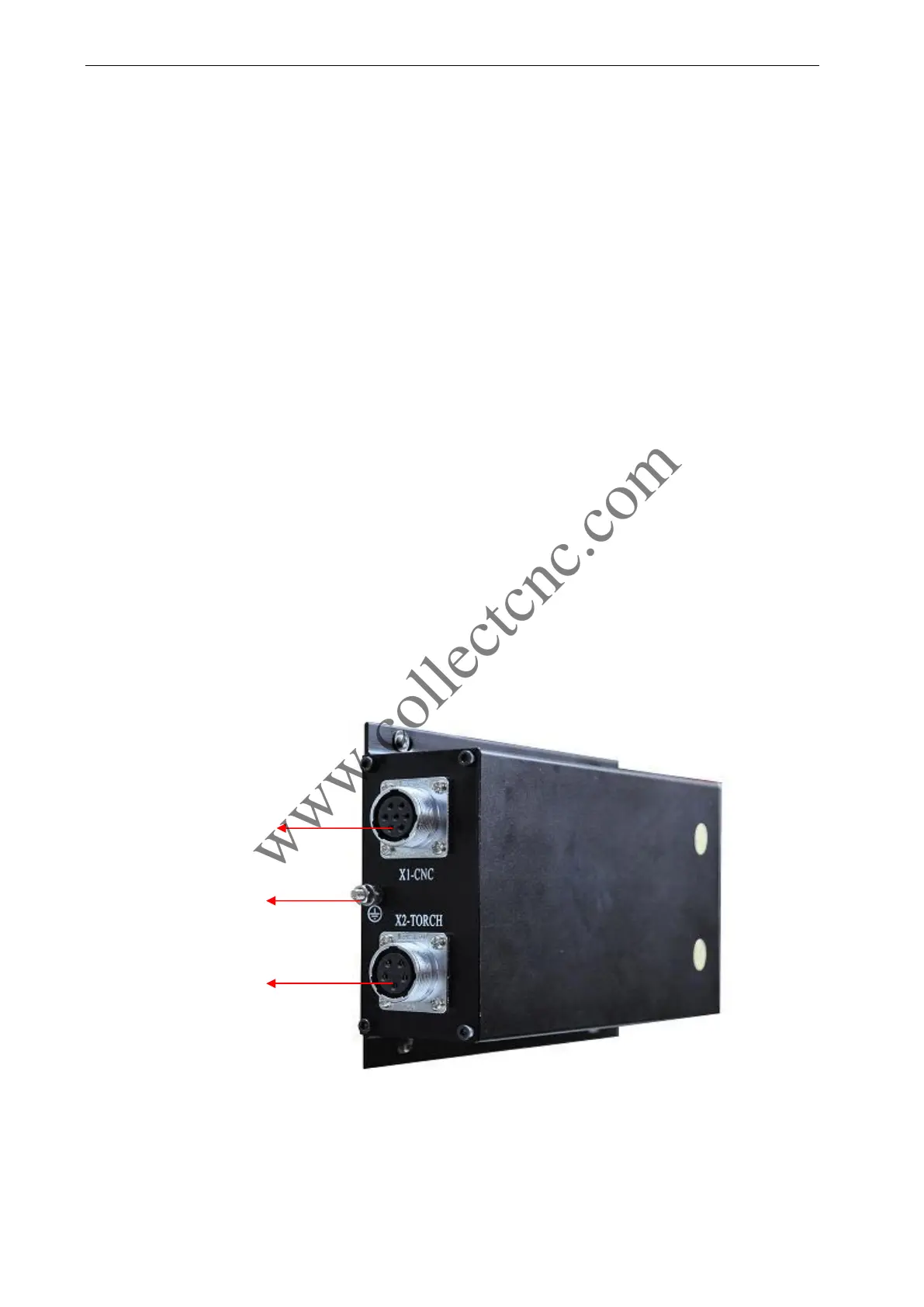
3.2 THC Connectors
As figure 3-2 shows,CHC-400 has only two connectors for installation, one is to CNC(X1-CNC),
the other one is to lifter motor (X2-TORCH).
Figure 3-2
To CNC controller
To lifter motor
and limit switch
GND



 To Next Page