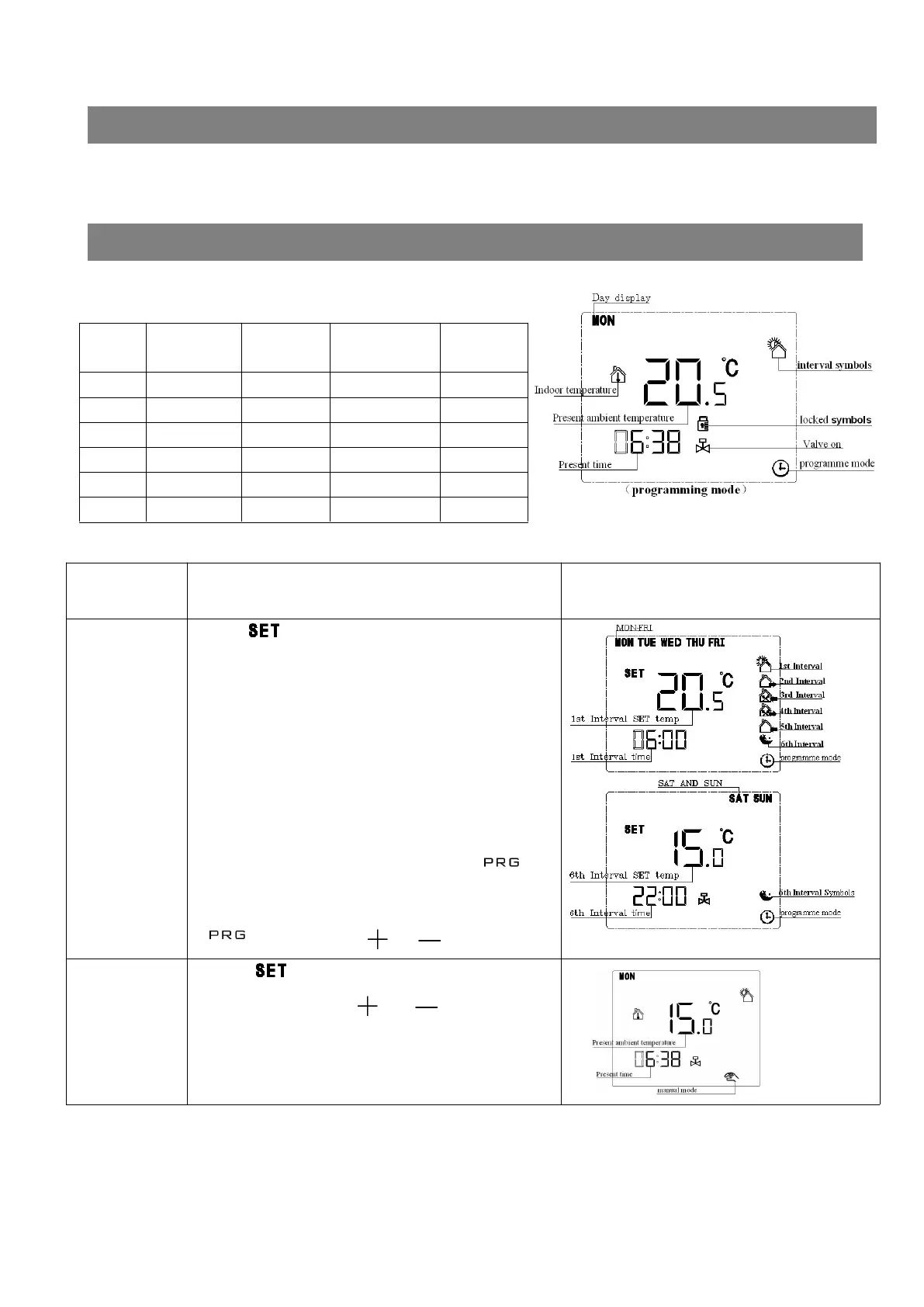
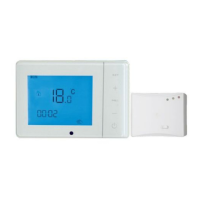
Press“ ”to switch into programme mode(As
shown in picture one)
Programme illustration
5+2 programme function(advanced options contain
of 6+1 and7 days programme function,you can also
cancel this programme function ),that is Monday to
Friday is the same setting value, and Saturday to
Sunday is the same setting value。Every day can be
divided into 6 time interval
Setting the programme value:long press“ ” to
enter into programme setting mode, then short press
“ ”to switch,press“ ”or“ ”to adjust value。
Interval Monday to
Friday
the default
value
Saturday and
Sunday
the default
value
1st 06:00-08:00 20°C 06:00-08:00 20°C
2nd 08:00-11:30 10°C 08:00-11:30 20°C
3rd 11:30-13:30
18°C
11:30-13:30
20°C
4th 13:30-17:00
10°C
13:30-17:00
20°C
5th 17:00-22:00 20°C 17:00-22:00 20°C
6th 22:00-06:00 18°C 22:00-06:00 18°C


 To Next Page