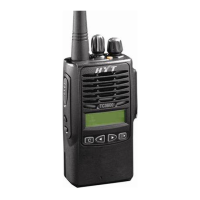
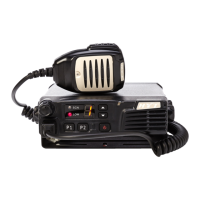
TM-600 Mobile Radio
5
Radio Overview
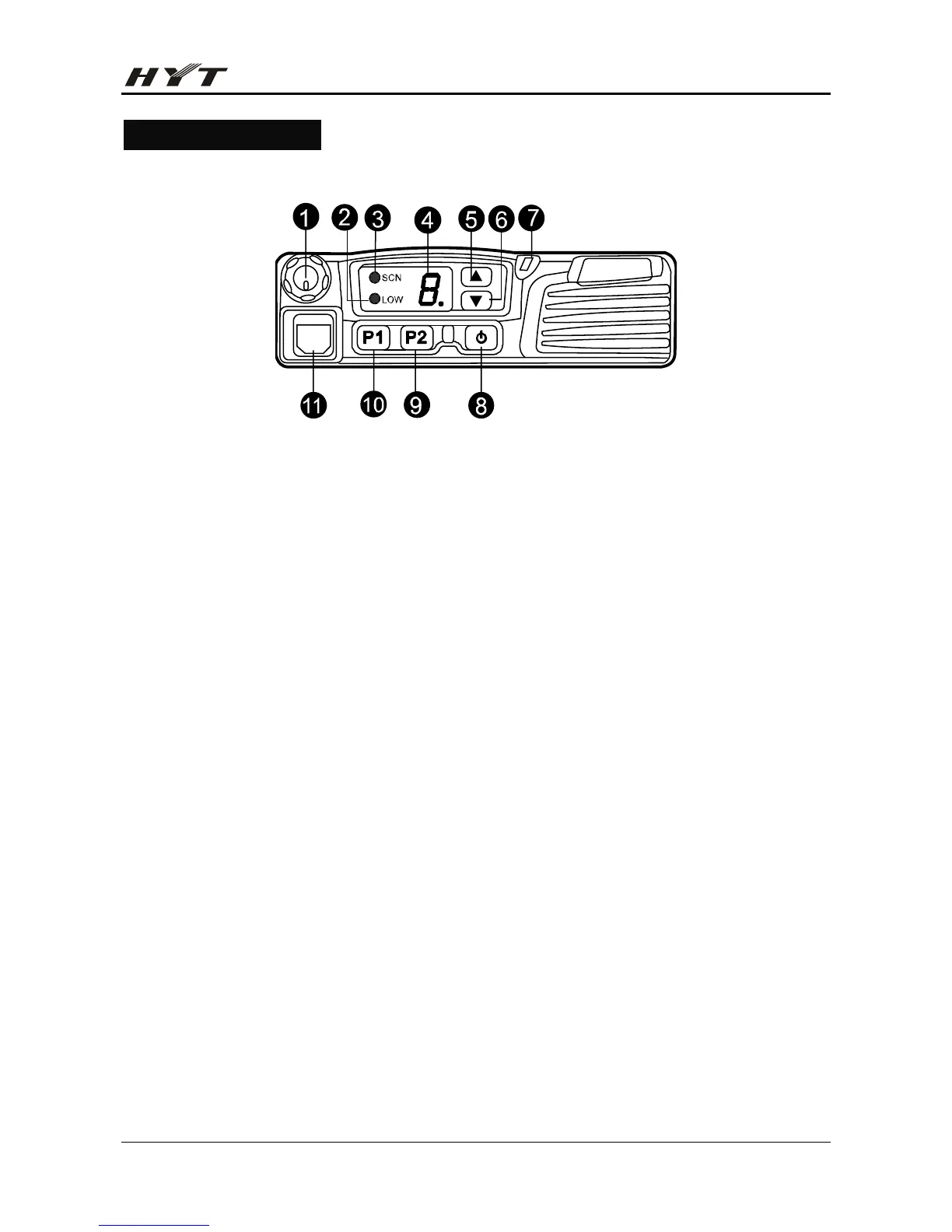
Front Panel View
1) [Volume] Knob
Rotate the knob clockwise to increase the volume, and rotate it counter-clockwise to decrease the
volume.
2) Low Power Indicator
This indicator glows when the radio is at low power.
3) Scan Indicator
This indicator glows when the radio is scanning.
4) 8-segment Numeric LED
Used to display the current channel number, menu, option, etc.
5) [▲] Key
6) [▼] Key
Your dealer can program [▲]/[▼] as shortcuts to various radio features.
7) TX/RX Indicator
This indicator glows red during transmission, and glows green during reception.
8) [Power] Switch
Used to turn the radio on/off.
9) [P2] Key
10) [P1] Key
Your dealer can program [P1]/[P2] as shortcuts to various radio features.
11) Microphone Jack
Used to connect the microphone.


 To Next Page