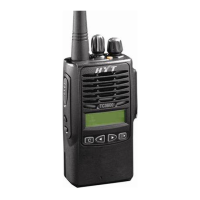
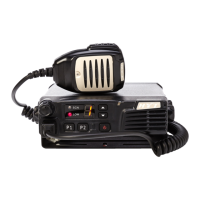
TM-600 Mobile Radio
7
Software Specification
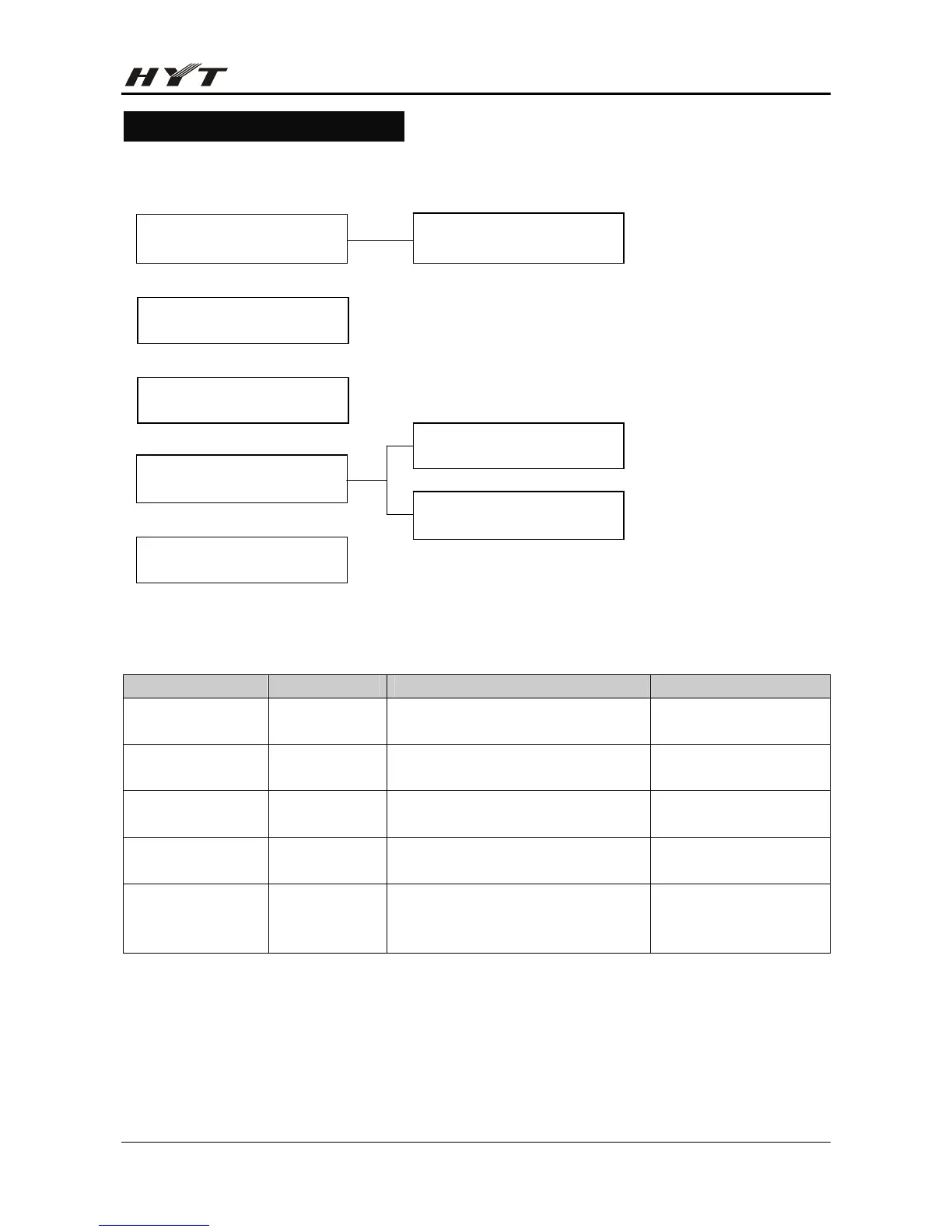
Frame of Radio Modes
Keypad Entry for Mode Startup
Mode Display Operation Remarks
User Mode
Channel No. The radio enters User Mode upon
power-on.
i.e. Conventional Mode
Tuning Mode 0 Power on the radio whiling holding
down [P1].
Model Set Mode 0 Power on the radio whiling holding
down [P2].
Clone Mode C Power on the radio whiling holding
down [P1]+[P2].
PC Mode No display Connect the mobile radio to PC via
the programming cable, and then
send commands via PC.
PC Mode
Tuning Mode
Conventional Mode
User Mode
Model Set Mode
Clone Mode
Wired Clone Mode
Wireless Clone Mode


 To Next Page