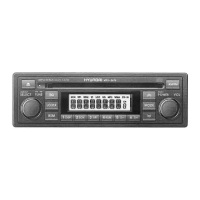
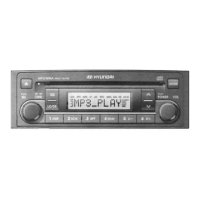
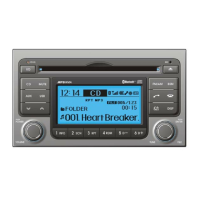
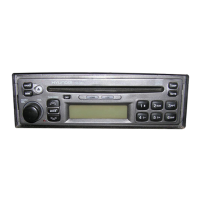
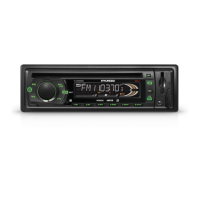
)
touo toc cDc cD' I
il
iit-{ lilil lil-rl
*
[fin,mm ffi
.1,)
(:))
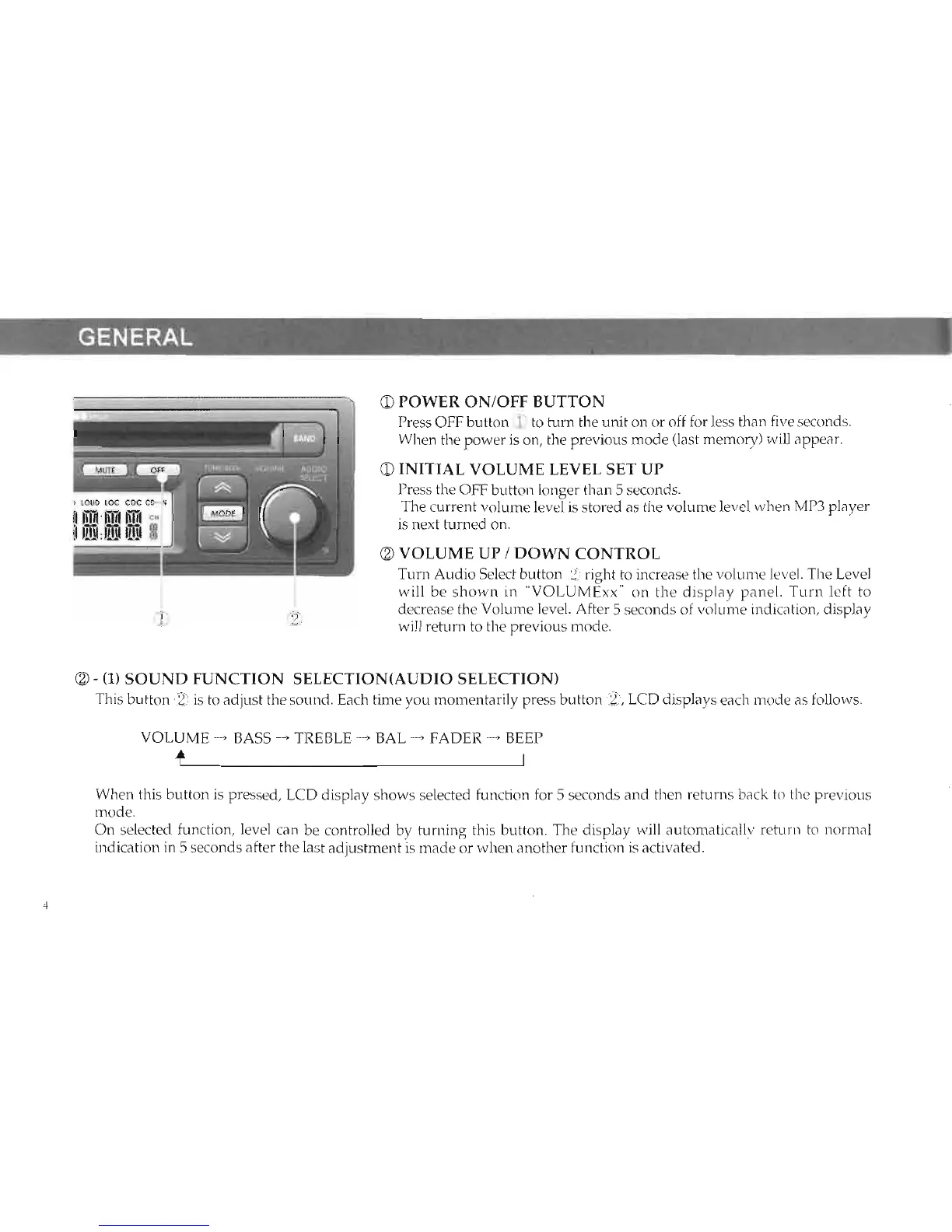
OPOWER
ON/OFF
BUTTON
Press
OFF
button
i-L
to turn the unit on or off
for less than
five
seconds.
When the power
is
on,
the previous mode
(last
memory) will appear.
O
INITIAL VOLUME LEVEL SET UP
Press the OFF button lonser than 5 seconds.
The
current
volume level is stored as the
volume level when
MP3
plaver
is next turned on.
O
VOLUME UP /
DOWN
CONTROL
Turrr Audio Seiect button
f2)
right to increase the volume
level. The Level
will be shown in
"VOLUMExx"
on
the display panel.
Turn left to
decrease the Volume level.
Afier
5 seconds
of volume
indication, display
will return to the previous
mode.
@-
(1)
SOUND FUNCTION SELECTION(AUDIO SELECTION)
This
button
iD
is to adjust the
sound.
Each time you momentarily press button
i?,
LCD displays each
mode as follows.
VOLUME
-
BASS
-
TREBLE
*
BAL
_
FADER
-
BEEP
+r
When this button is pressed, LCD display shows selected function
for
5 seconds
and then
returns back to the previous
mode.
On selected
function, level can be controlled by turning this
button. The display will automatically
retum to
norrnal
indication in 5 seconds after
the last
adjustment
is made
or
when another function
is
activated.



 To Next Page