EasyManua.ls Logo

Hyundai TUCSON 2018 - User Manual

Hyundai TUCSON 2018
16 pages
Print Icon
To Next Page IconTo Next Page
Loading...
Getting Started
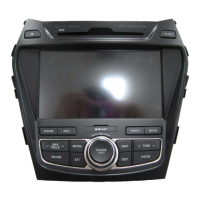
Audio, Connectivity, and Navigation
TUCSON
2018 Hyundai
Question and Answer IconNeed help?

Do you have a question about the Hyundai TUCSON 2018 and is the answer not in the manual?

Summary

Smartphone Integration

Phone Pairing

Custom Favorites Setup

Making Calls via Bluetooth

Calls with Android Auto;Apple CarPlay

Common Phone Voice Commands

Navigation Voice Command

Navigation Go to Address

BlueLink Voice Navigation

Summary

Smartphone Integration

Phone Pairing

Custom Favorites Setup

Making Calls via Bluetooth

Calls with Android Auto;Apple CarPlay

Common Phone Voice Commands

Navigation Voice Command

Navigation Go to Address

BlueLink Voice Navigation

Hyundai TUCSON 2018 Specifications

General IconGeneral
ConnectivityBluetooth, USB
Voice RecognitionYes
Apple CarPlayYes
Android AutoYes
Rearview CameraYes
SiriusXMAvailable
NavigationAvailable on some trims

Related product manuals