2.2.
SETTING UP THE I LOCK IT APP
Once fully charged, you can connect your I LOCK IT Pro to
your smartphone.
The following steps can only be carried out when
setting up a smartphone for the first time. If
another smartphone or a key fob is to be set up,
please follow the steps in chapter 3.6.
I.
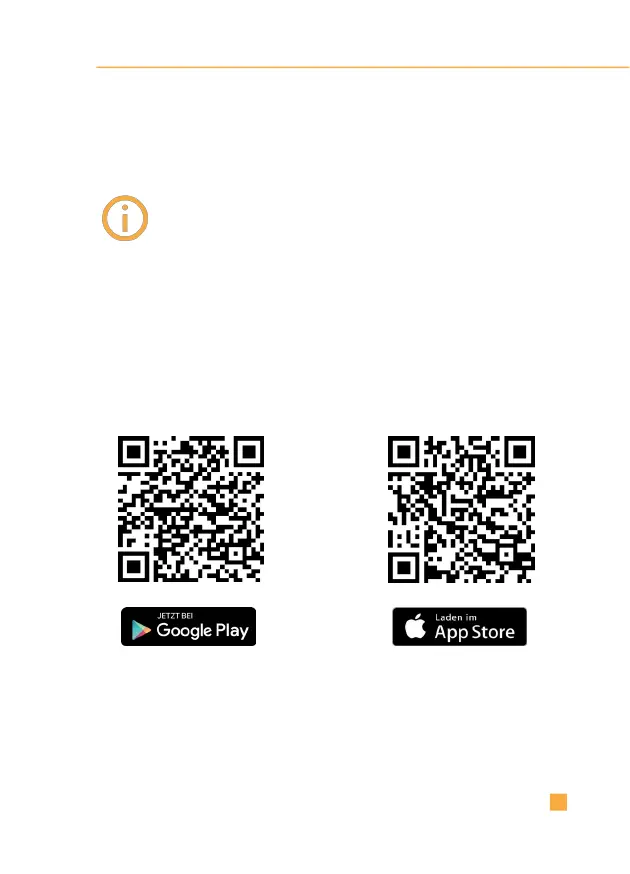
Download the I LOCK IT app:
I LOCK IT -
Bike lock app
I LOCK IT -
Bicycle lock



 To Next Page