Version 0.3 Page | 25
Call Holding
•
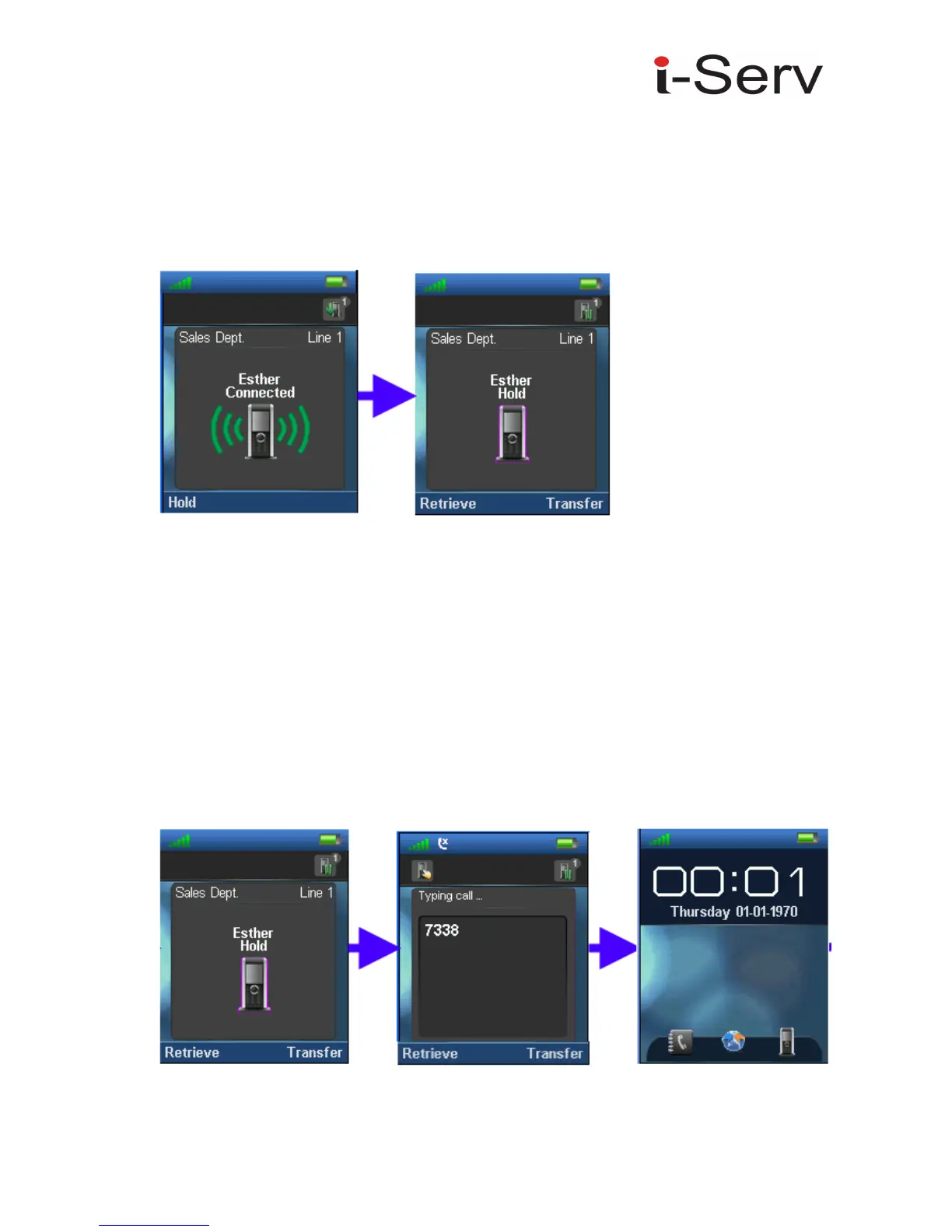
Press the Hold option at the left while call session is in progress or “Connected”,
•
Press “Retrieve” option to re-connect the call placed on hold
Call Transfer (Blind)
•
While “Connected”, press the Hold option, to put the call session on hold.
•
Enter the transfer destination number
•
Next, Press the “Transfer” option to transfer call session from Originator to the Target
Transfer. The Facilitator handset performs transfer procedure and returns to Idle mode (On
hook mode)
Facilitator



 To Next Page