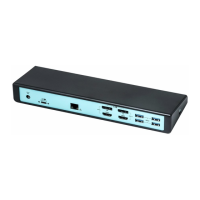
Docking Station with Video User’s Manual
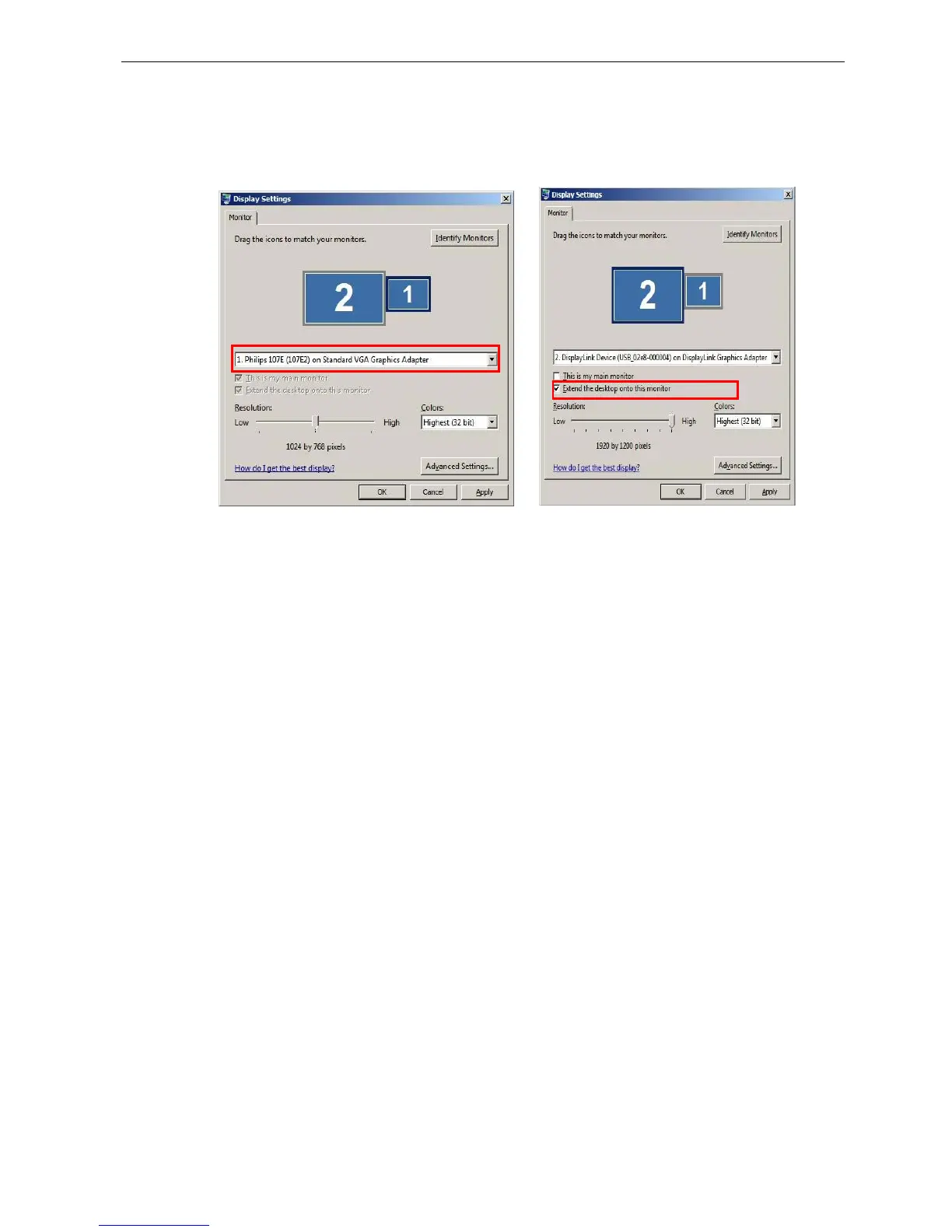
Note: If your primary monitor became black when you connect Docking Station to
your computer, please right-click on the desktop and choose Property on your
remote monitor. Then select Settings label to review your setting of monitor.
(Note: The string after USB_XXXX_XXXXXX will vary by different products.)
8



 To Next Page